You spent hours perfecting your resume’s layout, then uploaded it to a job portal and the auto-filled preview came out as scrambled text, with your contact info missing. What happened? Resume parsing.
Resume parsing is the automated process by which software reads a resume and extracts its information into structured, machine-readable fields: name, contact details, work history, titles, dates, skills, and education. The program that does this is a resume parser, and it turns your document into organized data an applicant tracking system can store, search, and rank.
Understanding it explains why a beautiful resume can read as nonsense to a machine, and how to stop that from happening. Parsing is one step inside the bigger ATS pipeline; for the whole flow, see how an ATS works.
The Short Version
- Parsing extracts your resume into data fields a machine can read and search.
- It reads the underlying text in code order, not the visual order you see.
- Tables, columns, headers/footers, and images are what scramble it.
- A bad parse rarely auto-rejects you, but it buries your data so you rank low.
- Use a single-column, text-based resume so it parses cleanly.
How a Resume Parser Works (Step by Step)
Follow your file through the parser:
- 1
Ingestion
Your file (PDF, DOCX, etc.) is submitted manually or through a job board.
- 2
Text extraction
The parser pulls the raw text layer out of the file, and images and decorative formatting are stripped.
- 3
OCR (only if needed)
For scanned or image-based resumes, optical character recognition converts pixels to text. This step is error-prone.
- 4
Normalization
Headers, footers, columns, and tables are flattened, and dates and line breaks are standardized.
- 5
NLP and field mapping
Language models identify entities (names, employers, titles, dates, skills) and assign them to the right fields.
- 6
Structured output
The result is written as a structured record (often JSON or XML) and stored in the ATS database for recruiters to search.
Here is the insight that explains almost every parsing failure: the parser reads code order, not visual order. When your layout’s visual order does not match the underlying text order, you get scrambled data.
See what a parser actually pulls
Curious what the machine reads off your resume? Our free Keyword Scanner extracts your resume the way the software does and shows you exactly which fields it found, so you can spot a scrambled parse before you keep reading this guide.
The fastest way to see how your own file survives this pipeline is to score your resume now.
What Parsed Resume Data Looks Like
After the steps above, your one-page document becomes a structured record. It is roughly like this (simplified JSON):
Fields a Parser Extracts
- Contact info: name, email, phone, location, LinkedIn/portfolio links
- Work history: employer, job title, start/end dates, descriptions
- Education: school, degree, dates
- Skills
- Certifications and languages (often)
Every one of those becomes a separate, searchable field. A recruiter can filter for “Python” in skills or “2+ years” of tenure and your record either matches or it does not. If any field cannot be found, because it is trapped in a table or an image, that field comes back empty, and you look less qualified than you are.
Links are the one field that behaves differently, which is why hyperlinks in resume PDFs deserve their own treatment.
How Accurate Are Resume Parsers?
Modern parsers are good, on clean files. Independent benchmarks put the leaders well above 90% on the standard accuracy measure.
accuracy of leading resume parsers on clean, well-formatted resumes
Precision and recall both typically exceed 90% in independent tests. Accuracy falls sharply on tables, columns, and scanned files.
Source: Industry parser benchmarks, 2024
That number is the catch, though. The 90%-plus accuracy assumes a clean, text-based, single-column resume. Feed the same parser a two-column template with icons and a logo, and accuracy can collapse, dropping or scrambling the very fields recruiters search on. The technology is rarely the problem. Your formatting is the variable you control.
Does a Bad Parse Auto-Reject You?
This is the fear behind the whole topic, so let’s bust it directly: a resume parser does not silently delete your application.
of recruiters say their ATS automatically rejects resumes
The other 92% rely on human review guided by knockout questions, not auto-rejection.
Source: Enhancv recruiter survey, 2025
The realistic risk is quieter than rejection. A bad parse scatters your data, so the matching step scores you low and you sink to the bottom of a long ranked list. No human ever reads you closely. The exception is knockout questions (work authorization, a required license, minimum years), which can filter you out automatically, but that is the application form doing it, not the parser misreading your bullet points. For the full picture, see how an ATS works and what actually makes a good ATS score.
Design-led builders are where most parse damage starts, so it’s worth a comparison against Canva before you export.
Keyword Parsing vs. Context Parsing
Older parsers matched exact strings. Modern ones use natural language processing to understand meaning and relationships, recognizing that “managed a team of 8” signals people management, or that “JS” means “JavaScript.”
What this means for you
You still need the right keywords (the search step is literal), but context-aware parsing means natural phrasing beats keyword-stuffing. Write real sentences with real evidence, and include both the full term and its acronym, like “Search Engine Optimization (SEO),” so you match either way. Our resume keywords guide covers how to choose them without stuffing.
Why Formatting Breaks Parsing
These common choices silently corrupt your data:
Formatting That Scrambles a Parser
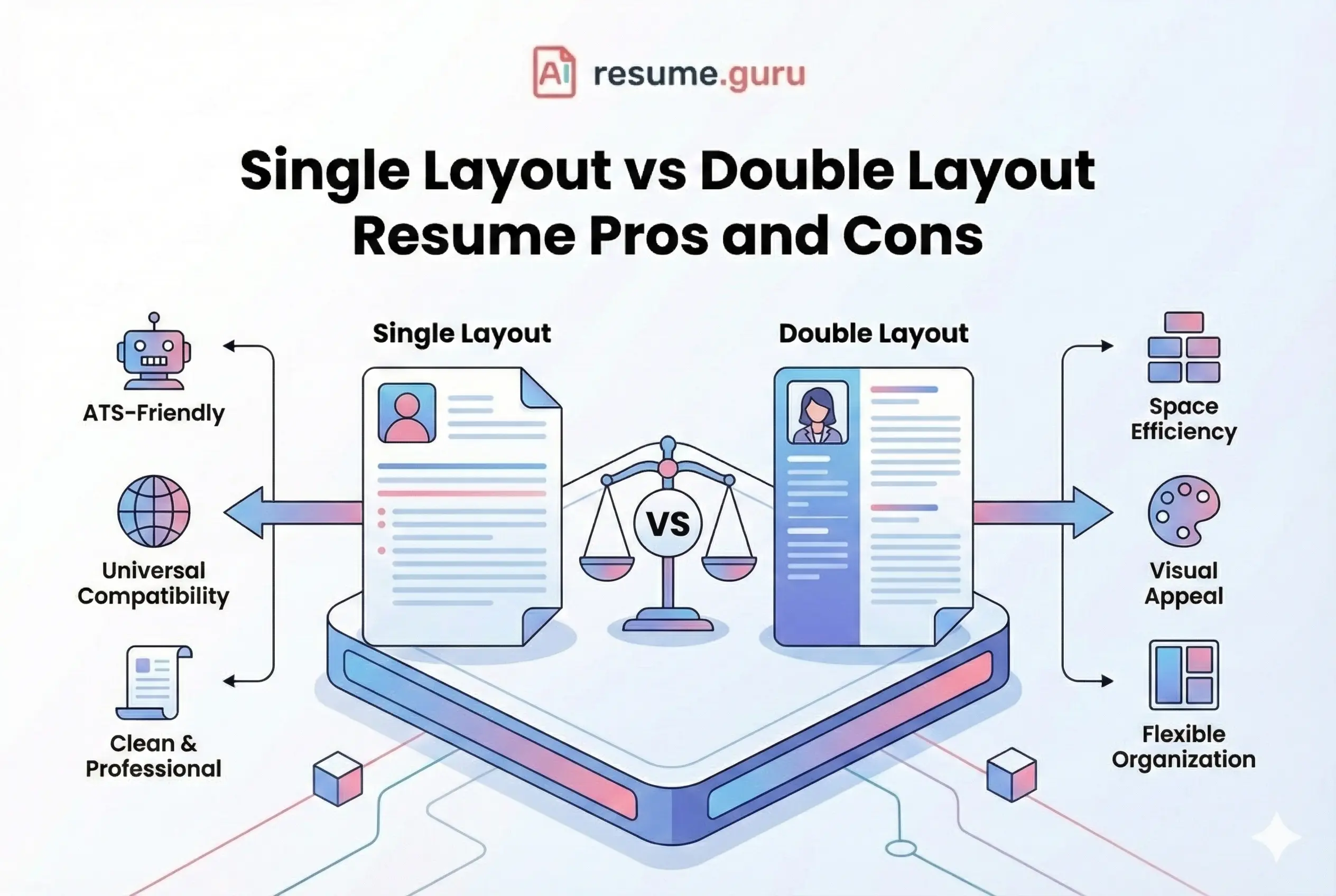
- Tables and columns read across the row instead of cell by cell, jumbling content
- Headers and footers are often skipped, so contact info placed there gets lost
- Text inside images or graphics is invisible to the parser without OCR
- Scanned or image-based PDFs have no extractable text, and OCR adds errors
- Non-standard fonts and special characters can misrender or fail to map
- Design-tool layouts (Canva, Illustrator) have a layered, non-linear structure that scrambles when flattened
For the complete formatting rulebook, see our ATS-friendly resume format guide, and for type choices that survive parsing, our ATS-friendly resume fonts list.
Bullet Points, Symbols, and Special Characters
Two of the most common, least obvious parsing failures hide inside your bullet points and your punctuation.
Bullet glyphs. A standard round bullet or a hyphen parses cleanly. Decorative bullets (stars, arrows, checkmarks, square icons) are not standard text, so a parser may drop the glyph or, worse, merge two bullets into one run-on line and lose the break between your achievements. If you want strong, parse-safe bullets, see our guide to writing resume bullet points.
Special characters. Symbols can cut a field short. A classic failure is the ampersand: “Smith & Co.” can parse as just “Smith,” because the parser treats the ”&” as a field boundary. Slashes, pipes, and decorative dashes cause similar mid-field cutoffs.
Quick fixes for symbol cutoff
- Spell out “and” instead of using & in employer or section names.
- Use a plain round bullet or hyphen, never icon bullets or emoji.
- Avoid vertical bars (|) as separators in your contact line; use plain spacing or commas.
- Keep punctuation simple: periods, commas, parentheses, and basic hyphens are safe.
Our deeper breakdown of special characters and the ATS lists which symbols are safe and which to drop.
If you’re rewriting bullets anyway, the bullet generator can write stronger resume bullets in plain, parse-safe text.
Why Date Formats Trip Up Parsers
Parsers normalize dates to calculate how long you held each role. Mix styles on one resume, like “March 2023” in one job and “03-2023” in another, and that logic can break, miscounting your tenure or failing to read a date at all. Sometimes a parser even reads a date as part of your job title.
Pick one format and use it everywhere. “Mon YYYY” (for example, “Mar 2023”) is the safest, most widely parsed pattern. Our resume date format guide shows the patterns that parse reliably and the ones to avoid.
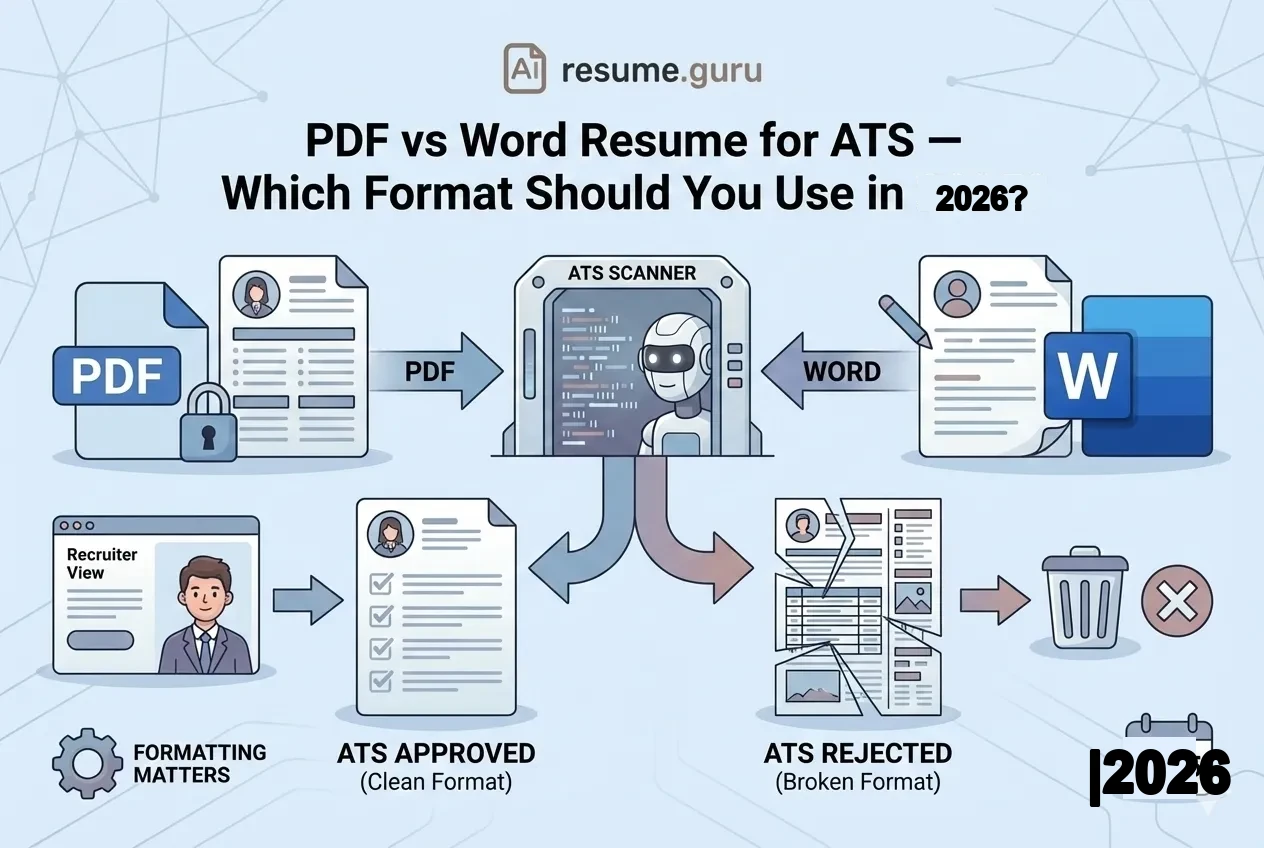
PDF vs. Word for Parsing
The split that matters is not PDF versus Word, it is text-based versus image-based:
| Format | How it parses |
|---|---|
| Text-based PDF | Parses well in most modern systems and preserves formatting |
| Word (.docx) | Safe default, sometimes requested, but some systems mishandle complex tables |
| Scanned / image PDF | Worst case: unreadable without error-prone OCR |
The rule: a clean, single-column, text-based file in the format the posting requests. Default to PDF unless Word is asked for, and never a scanned image. For the full comparison and when each wins, read PDF vs. Word resume.
How to Make Your Resume Machine-Readable
- 1
Use a single-column layout
No tables, columns, or text boxes, so the parser reads top to bottom.
- 2
Keep contact info in the body
Not in the header or footer, and not inside a graphic.
- 3
Save as a text-based file
Export a real PDF or DOCX, never a scanned image. Match the posting's requested format.
- 4
Use standard section headings
'Work Experience,' 'Education,' 'Skills,' so fields map correctly.
- 5
Use standard fonts and plain bullets
Skip icons, graphics, text-in-images, and decorative bullet glyphs.
- 6
List skills as plain text
Comma- or bullet-separated, not in a table, with one consistent date format throughout.
- 7
Verify the parse before applying
Run your resume through a scanner and confirm every field came out right.
Catch parsing problems, then fix them at the source
Our free Keyword Scanner reads your resume the way the software does and matches it against a job, so you catch scrambled content or hidden keywords before a recruiter does. If the scan shows missing or jumbled fields, rebuild on a parse-clean foundation: the AI resume builder and our single-column ATS-safe templates output clean, text-based files by default, so the next scan comes back intact.
The Bottom Line
Resume parsing is the invisible first reader of your application. It does not care how pretty your layout is, only whether it can extract your data cleanly. It will not silently reject you, but a messy parse can bury you in the rankings so no human reads you closely. Keep your resume single-column and text-based, put your information in plain text where the parser expects it, use one date format, and check the result before you apply. If your resume keeps coming back scrambled, that is often the real reason your resume is not getting interviews.
Get parsing right, and the rest of the hiring process actually gets to see you.
Check how your resume parses
Run your resume through our free Keyword Scanner to see exactly what a parser extracts and what's missing, before you hit Apply.
Try the Keyword ScannerRelated Resources
- Keyword Scanner — See exactly how your resume parses
- How Does an ATS Work? — The full hiring-software pipeline
- ATS-Friendly Resume Format — The full formatting rulebook
Frequently Asked Questions
What is resume parsing?
Resume parsing is the automated process where software reads a resume and extracts its information into structured, machine-readable fields like name, contact details, work history, job titles, dates, skills, and education. The program that does it is a resume parser. It turns your document into organized data an applicant tracking system can store and search.
How does a resume parser work?
A parser ingests your file, pulls out the raw text, runs OCR if the file is an image, then flattens tables and columns. It uses natural language processing to identify entities (names, employers, dates, skills) and maps them to fields. The result is a structured record stored in the ATS database for recruiters to search.
Does resume parsing automatically reject my resume?
No. Only 8% of recruiters say their ATS auto-rejects resumes; 92% rely on human review guided by knockout questions, not silent deletion (Enhancv, 2025). A bad parse does not trash your application, but it can bury your data so you rank low and a recruiter never sees your strongest points.
How accurate are resume parsers?
Leading parsers hit over 90% F1 scores (precision and recall both above 90%) on clean, well-formatted resumes in independent benchmarks (industry parser benchmarks, 2024). Accuracy drops fast on tables, columns, graphics, and scanned files. Clean formatting is the single biggest factor you control.
What information does a resume parser extract?
Contact information (name, email, phone, location, links), work history (employer, title, dates, descriptions), education (school, degree, dates), skills, and often certifications and languages. Each field is identified and stored separately so recruiters can search and filter candidates by any of them.
Why does my resume look scrambled in the ATS?
Because the parser reads the underlying text in code order, not the visual order you see. Tables, multi-column layouts, text boxes, and headers or footers make the parser read content out of sequence or skip it. That jumbles your data or drops fields like your contact info entirely.
Why does the ATS break my bullet points?
Custom bullet glyphs, icons, and symbols are not standard text characters, so the parser may drop them or merge two bullets into one run-on line. Stick to a plain round bullet or a hyphen. Avoid stars, arrows, checkmarks, and emoji, which often vanish or garble the line that follows them.
Can a resume parser read special characters and symbols?
Standard letters, numbers, and basic punctuation parse fine. Symbols like ampersands, em dashes, slashes, and decorative glyphs can cut a field short or scramble it. An employer written as 'Smith & Co.' may parse as 'Smith.' Spell out 'and' and keep punctuation simple to avoid mid-field cutoff.
Why does my date format confuse the resume parser?
Parsers normalize dates to calculate tenure, so mixing styles like 'March 2023' and '03-2023' on one resume can break that logic and miscount your experience. Pick one format, usually 'Mon YYYY,' and use it everywhere. See our resume date format guide for the safest patterns.
Does resume parsing read PDF or Word better?
The real split is text-based versus image-based, not PDF versus Word. A text-based PDF exported from a builder or word processor parses well in most modern systems. Word is a safe default and sometimes requested. Avoid scanned or image PDFs, which need error-prone OCR. Send the format the posting asks for.
Why does my resume parse fine but score low?
Parsing and matching are two steps. The parser can extract every field perfectly, then the matching step still scores you low if your wording misses the job's keywords. Clean parsing is necessary but not sufficient. You also need the right terms from the description in your actual content.
Put this into practice
You have the theory. These take a few minutes and work on the resume you already have.