Should You Add Hyperlinks to Your Resume PDF?
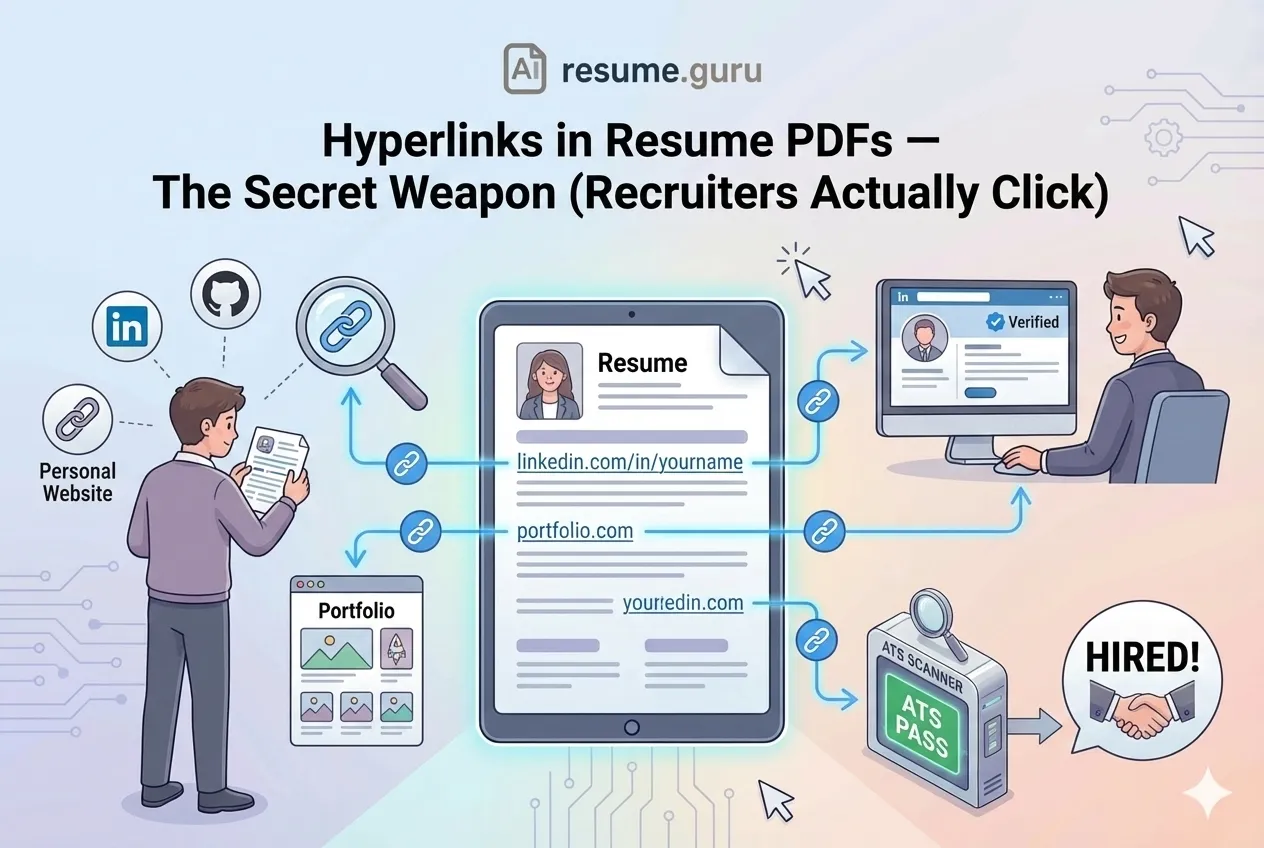
The short answer: yes — add hyperlinks to your resume PDF. 68% of recruiters check LinkedIn profiles, and clickable links to your portfolio, GitHub, or publications let them explore your work in one click. Most modern ATS read hyperlinks fine. The rule that keeps you safe: always print the full URL as plain text next to the clickable link, as a fallback for older parsers.
Limit yourself to 2-3 strategic links (LinkedIn, portfolio, one relevant profile), place them in your header/contact section, and test every link before sending. If you want to check how your current header parses, score your resume now.
Smart Linking Strategy
- Hyperlinks are powerful when used correctly
- Always include the full URL as plain text (backup for ATS)
- Limit to 2-3 strategic links (LinkedIn, portfolio, relevant profile)
- Test every link before sending — broken links are worse than no links
- Place links in the header/contact section for easy access
- Build a perfectly hyperlinked resume →
Why Links Matter on Modern Resumes
Of recruiters check LinkedIn
Before making interview decisions, most recruiters will verify your digital presence. Make it easy for them.
Source: Jobvite Recruiter Nation Survey
Your resume is the appetizer. Your online profiles are the main course.
A well-placed hyperlink says: “There’s more where this came from. Click to learn more.” Links are one of several small details recruiters notice, alongside how you format dates on your resume.
What Links Accomplish
- Extend your resume without adding pages
- Showcase work that doesn’t fit in text format (designs, code, videos)
- Verify credibility through your professional presence
- Signal tech-savviness — you understand modern communication
- Create engagement — a click is the start of a relationship
What to Link (And What to Skip)
| ✅ Link These | ❌ Skip These |
|---|---|
| LinkedIn profile (polished and current) | Personal Facebook or Instagram |
| Professional portfolio (relevant work samples) | Outdated blog with sporadic posts |
| GitHub with active repositories | GitHub with only forked repos, no original work |
| Published articles or case studies | Random Medium drafts or unfinished work |
| Personal website with clear value proposition | Generic landing page with no content |
| Behance/Dribbble (for designers) | Profiles with work from 5+ years ago |
The Golden Rule
Only link to content you’d be proud to discuss in an interview.
If a recruiter clicks and finds outdated, incomplete, or unprofessional content, you’ve just hurt your application instead of helping it.
Which Links to Include by Role
Different roles benefit from different links. Here’s what recruiters expect to see:
| Role Type | Must-Have Links | Nice-to-Have |
|---|---|---|
| Software Developer | GitHub, LinkedIn | Personal blog, Stack Overflow profile, live project demos |
| Designer (UX/UI/Graphic) | Portfolio (Behance, Dribbble, or personal site), LinkedIn | Case study page, design process blog |
| Marketing/Content | LinkedIn, portfolio or blog with writing samples | Published articles, campaign case studies |
| Data Science/Analytics | GitHub, LinkedIn, Kaggle profile | Published research, Tableau Public dashboards |
| Sales/Business Development | LinkedIn (with recommendations) | Published thought leadership, company blog posts |
| Academic/Research | Google Scholar, ORCID, LinkedIn | ResearchGate, institutional profile, published papers |
| Executive/Leadership | LinkedIn, personal website | Board memberships, published interviews, conference talks |
For developers: link to your best repositories, not your entire GitHub. Pin 3-6 repos that demonstrate the skills in the job description. See our personal projects guide for how to present them effectively.
For everyone: your LinkedIn profile is the most clicked link on any resume. Make sure it’s complete, has a professional photo, and matches your resume content. Use our LinkedIn Bio Generator if your summary needs work.
How to Customise Your URLs Before Linking
Ugly URLs make your resume look unprofessional. Clean them up:
| Platform | Default URL | Customised URL |
|---|---|---|
linkedin.com/in/john-doe-a1b2c3d4 | linkedin.com/in/johndoe | |
| GitHub | Already clean: github.com/johndoe | No change needed |
| Behance | Already clean: behance.net/johndoe | No change needed |
| Personal site | johndoe.wixsite.com/portfolio | johndoe.com (buy a domain) |
| Google Scholar | Long hash URL | Use your Scholar profile settings to create a readable URL |
LinkedIn: Go to your profile → Edit public profile → Customise your URL. See our full guide on adding your LinkedIn URL to your resume.
Personal website: If you’re serious about job hunting, a $10/year domain is worth it. You can turn your resume into a personal website in a click, and yourname.com looks significantly more professional than a free subdomain. Which links you surface should shift per application too — tailor your resume to the job and lead with the profile that role cares about.
How to Include Links Properly
Method 1: Hyperlinked Text (Clickable)
This is the cleanest approach when your resume is viewed digitally:
LinkedIn: linkedin.com/in/yourname
Portfolio: yourname.com
Make It Obvious
Use descriptive anchor text like “linkedin.com/in/yourname” rather than “Click here” or “My Profile.” This serves two purposes: it works even if hyperlinks fail, and it tells the reader what they’re clicking on.
Method 2: Plain Text URLs (ATS Backup)
Some older ATS systems strip hyperlinks. Some recruiters print resumes. Some email clients block links.
Always include the full URL in readable text:
LinkedIn: linkedin.com/in/yourname
GitHub: github.com/yourname
This ensures your links survive any format conversion.
Method 3: The Combined Approach (Recommended)
Best of both worlds: hyperlink the URL itself.
LinkedIn: linkedin.com/in/yourname (clickable)
Portfolio: sarahchen.design (clickable)
The URL is visible (works if printed or stripped), but also clickable (works in digital viewing).
Where to Place Links on Your Resume
- 1
Header/Contact Section
The most common and expected location. Include email, phone, LinkedIn, and portfolio here.
- 2
Under Education (for academic profiles)
Link to published papers, research portfolios, or academic profiles like Google Scholar.
- 3
In a Skills or Projects Section
Link specific projects to their GitHub repo or live demo. Relevant for developers and designers.
- 4
Within Experience Bullets (sparingly)
If you led a major initiative that has a public presence, a single strategic link can be powerful.
Example Header
SARAH CHEN
Senior Product Designer

sarah@email.com | +1 555 123 4567 | Seattle, WA
linkedin.com/in/sarahchen | sarahchen.design
Clean. Professional. All links visible and accessible.
The ATS Factor
Here’s where many job seekers trip up.
ATS Compatibility Issues
- Some ATS strip hyperlinks during parsing, leaving broken text
- Complex URLs can get mangled (especially with tracking parameters)
- Links in headers/footers may not be parsed at all
- Hidden links (text says “Click Here” with link embedded) fail completely
How to Make Links ATS-Friendly
- Use the full URL as visible text — not hidden behind “Click Here”
- Place links in the body — not headers or footers
- Keep URLs clean — remove UTM parameters and tracking codes
- Avoid shorteners — bit.ly links can look spammy
- Test with an ATS simulator — our Keyword Scanner helps identify parsing issues
For more on what ATS systems can and can’t handle, see our guides on special characters that break ATS and PDF vs Word format.
PDF Export Settings That Preserve Links
This trips up a lot of people: you’ve added hyperlinks in Word or Google Docs, but they disappear when you export to PDF.
How to Keep Links Alive
From Microsoft Word:
- File → Save As → PDF
- Or: File → Export → Create PDF/XPS Document
From Google Docs:
- File → Download → PDF Document (.pdf)
- Links should preserve automatically
DO NOT: Print to PDF (this creates an image, killing all hyperlinks)
After exporting, open the PDF and click every link to verify they work. If you would rather skip the export roulette entirely, you can download a PDF that keeps every link clickable straight from our editor.
Common Mistakes to Avoid
Mistake 1: Dead Links
Links that lead to 404 errors, suspended accounts, or deleted content. Always test before sending.
Mistake 2: Linking to Unprofessional Content
Your LinkedIn has a professional headshot and detailed experience. Your Instagram has… well, it’s personal. Keep them separate.
Mistake 3: Too Many Links
A resume with 10 hyperlinks feels cluttered and desperate. Limit to 2-4 strategic, high-value links.
Mistake 4: Complex or Ugly URLs
If your LinkedIn URL is linkedin.com/in/john-smith-12345abc-67890, customize it. Most platforms let you create clean vanity URLs.
Making Your Linked Content Shine
The link is only as good as what it leads to.
Before Linking to Your Profiles
- LinkedIn profile is complete and updated
- Professional headshot on all linked profiles
- Portfolio showcases relevant, recent work
- GitHub has pinned repos with clear descriptions
- Personal website loads quickly and looks professional
- No outdated or embarrassing content anywhere visible
- Contact information is consistent across all platforms
Need LinkedIn Help?
Our LinkedIn Bio Generator can help you craft a compelling headline and summary for the profile you’re linking to.
When to Skip Links Entirely
Sometimes, no links is the right choice:
- Highly formal industries — Some government and legal roles prefer traditional resumes
- When you don’t have strong online presence — Better to skip than link to a ghost town
- Printed resume situations — Physical resumes at career fairs can skip hyperlinks (they don’t work anyway)
Your Move
Hyperlinks are a bridge between your one-page resume and the full depth of your professional story. Use them strategically: 2-4 high-value links, clearly displayed, pointing to polished content. And always test before sending — a broken link actively hurts your candidacy.
Before you add links, make sure the rest of your resume is solid: strong action verbs, quantified achievements, ATS-friendly formatting, and the right keywords for your industry. Links are the cherry on top — not a substitute for great content.
Build a resume with working, ATS-safe hyperlinks
Our resume templates format hyperlinks correctly by default — clean URLs, proper styling, ATS-tested. Just add your links and content.
Browse Free TemplatesRelated Resources
- PDF vs. Word Resume — Which format preserves links better
- LinkedIn Profile Optimization — Polish what you're linking to
- LinkedIn URL on Resume — Customise your LinkedIn URL
- Personal Projects on Resume — Link to projects that prove your skills
- Resume File Name Best Practices — Another detail recruiters notice
- Special Characters & ATS — Characters that break formatting
- QR Codes on Resumes — Another way to link to your portfolio
- LinkedIn Bio Generator — Craft a compelling LinkedIn summary
- Keyword Scanner — Check ATS compatibility
- Resume Templates — Clean designs with proper link formatting
- Resume Editor — PDF export that keeps hyperlinks clickable
Frequently Asked Questions
Will ATS systems read hyperlinks in my resume?
Most modern ATS can read hyperlinks, but some older systems may strip them out. Always include the full URL as plain text (e.g., 'linkedin.com/in/yourname') alongside any clickable link as a backup.
What links should I include on my resume?
LinkedIn profile, online portfolio, GitHub (for developers), personal website, or relevant publications. Only include links that are professional, current, and directly relevant to the job.
Can hyperlinks hurt my resume?
Yes, if they're broken, lead to outdated content, or link to unprofessional profiles. Always test every link before sending and ensure the destination content is polished.
Should I use link shorteners on my resume?
Avoid URL shorteners like bit.ly — they can look spammy and some security systems flag them. Use clean, simple URLs without excessive tracking parameters.
How do I make a hyperlink in a resume PDF?
In Word: select the text, press Ctrl+K (or Cmd+K on Mac), paste the URL. In Google Docs: select text, Insert → Link. Then export as PDF using File → Save As PDF (not Print to PDF, which strips links).
Should I hyperlink my email address on my resume?
Yes — a mailto: hyperlink on your email lets recruiters click to compose a message instantly. In Word/Docs, it's usually auto-linked. Verify it works after PDF export.
Do recruiters actually click links on resumes?
Yes. 68% of recruiters check LinkedIn before making interview decisions. Portfolio links and GitHub repos are frequently reviewed for technical and creative roles. Place links prominently and keep the destinations polished.
Put this into practice
You have the theory. These take a few minutes and work on the resume you already have.


