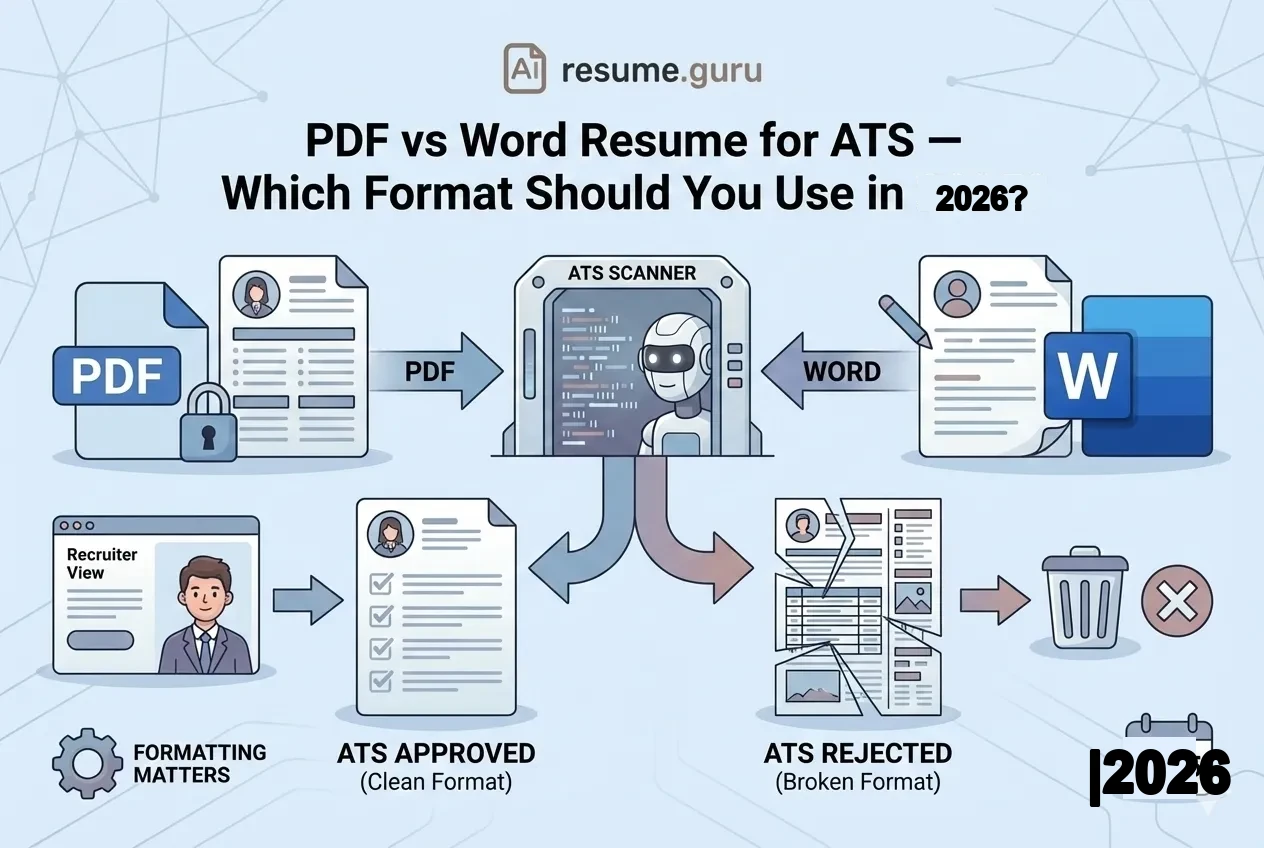
Here's the question that haunts every job seeker:
"Am I getting rejected because of my file format?"
It's a valid concern. Applicant Tracking Systems reject resumes before any human sees them—and format issues can cause problems.
But here's the truth in 2026: the file format is rarely the issue.
Of Fortune 500 ATS
Can accurately parse PDF resumes
Source: Resufit Analysis, 2026
Modern ATS platforms have evolved. They read both PDF and Word files just fine—if the resume is formatted correctly.
The real culprit behind parsing failures? It's not PDF vs Word. It's what's inside the file.
The Short Answer
- PDF is fine for 90%+ of applications in 2026
- Word (.docx) is the backup for maximum compatibility
- Always follow the job posting's instructions if specified
- Formatting matters more than file type—simple layouts parse best
Why This Debate Exists
The "PDF vs Word" panic comes from an outdated understanding of how ATS works.
In the early 2010s, many ATS platforms struggled with PDFs—especially those created by scanning paper documents or exporting from design software with embedded graphics. This led to widespread advice: "Always use Word."
But ATS technology has improved dramatically. Today's systems use sophisticated text extraction that handles PDFs accurately—as long as the PDF contains actual text, not an image of text.
The Real Cause of Rejections
75% of resumes are rejected by ATS—but rarely because of file format. The real reasons: missing keywords, incompatible formatting (tables, columns, graphics), and scanned images instead of text-based documents.
PDF: The Case For
Why PDF Works ✅
- Preserves exact formatting across all devices
- Fonts, spacing, and layout stay consistent
- Can't be accidentally edited by recruiters
- Looks professional and polished
- Most modern ATS parse PDFs accurately
PDF Risks ⚠️
- Scanned/image-based PDFs fail completely
- Complex layouts (columns, tables, graphics) can confuse parsing
- Some older ATS may still struggle
- Harder to edit if recruiter wants changes
When to Use PDF
PDF Is Best When...
- Job posting doesn't specify a format
- You're applying directly via email or networking
- You're applying to modern tech companies or startups
- You want to ensure your design looks consistent
- You're attaching the resume to an application portal
How to Create an ATS-Friendly PDF
Not all PDFs are created equal. An ATS-friendly PDF means:
- Text-based, not scanned — Created digitally (from Word, Google Docs, or a resume builder), not by scanning a printed document
- Simple layout — One column preferred, minimal use of tables
- Standard fonts — Arial, Calibri, Times New Roman, Georgia
- No graphics or images — Avoid headshot photos, icons, logos, or decorative elements
- No text boxes — They can get parsed out of order
The Copy-Paste Test
Open your PDF and select all text (Cmd+A / Ctrl+A). Copy it. Paste into a blank Word document.
If the text is readable and in the right order, the ATS can read it. If it's garbled, scrambled, or missing sections, your PDF has a problem.
Word (.docx): The Case For
Why Word Works ✅
- Maximum ATS compatibility—works with every system
- Easy for recruiters to edit (for agency submissions)
- Safest choice when you're uncertain about the ATS
- Works with older application portals
Word Risks ⚠️
- Formatting can shift on different computers
- Fonts might display differently if recipient doesn't have them
- Can be accidentally edited/corrupted
- Less 'polished' final appearance
When to Use Word
Word Is Best When...
- Job posting specifically requests Word or .docx
- You're applying through a staffing/recruiting agency
- The application portal is old or clunky
- You're applying to large traditional corporations
- You want zero risk of parsing issues
The Decision Flowchart
Here's how to decide for every application:
- 1
Check the job posting
Does it specify PDF or Word? If yes, do exactly that. End of decision.
- 2
If no format specified: default to PDF
For modern companies, startups, tech, and most standard online applications.
- 3
If uncertain about the company's tech...
For old-school industries (government, traditional manufacturing, large enterprises with outdated systems), Word is the safe choice.
- 4
If applying through a recruiter/agency
Use Word—recruiters often need to edit your resume before submitting to clients.
- 5
Test your PDF anyway
Run the copy-paste test. If it fails, your PDF has issues even aside from the format question.
The Formatting That Actually Breaks ATS
Let's be clear: formatting mistakes cause more ATS failures than file format choices.
Both PDF and Word resumes can be rejected if they contain:
| Problematic Element ❌ | Why It Breaks ATS |
|---|---|
| Tables and columns | Text extracted in wrong order |
| Text boxes | Content may be skipped entirely |
| Headers and footers with important info | Often ignored by parsing |
| Graphics, icons, logos | Invisible to text extraction |
| Fancy/non-standard fonts | May render as gibberish |
| Scanned documents (image-based) | No text to extract |
| Heavily designed templates | Complex CSS/styling confuses parsers |
The Hidden Danger
Those stylish two-column resume templates from Canva or creative apps? They often use tables, columns, and graphics that look great visually—but fail in ATS. Simple beats stylish for ATS compatibility.
How to Format for Maximum Compatibility
Whether you choose PDF or Word, these formatting rules ensure your resume parses correctly:
ATS-Safe Formatting
- Single-column layout (or simple, non-table multi-column)
- Standard section headers: 'Work Experience,' 'Education,' 'Skills'
- Standard fonts (Arial, Calibri, Times New Roman, Georgia)
- No tables, text boxes, or floating elements
- No images, graphics, or icons
- Contact info in the main body, not the header
- Dates aligned consistently
- File created digitally, not scanned
The Best of Both Worlds
Can't decide? Keep both versions ready:
- A clean PDF for direct applications, networking, and email
- A .docx version for employers who request it or for staffing agencies
Both should have identical content—just different file formats.
Pro Tip
ResumeGuru's Resume Builder exports in both PDF and Word formats, already optimized for ATS. No need to worry about conversion or formatting shifts.
The 2026 Reality
The file format debate is mostly settled. Modern ATS platforms—used by 90%+ of Fortune 500 companies—handle both formats well.
What matters more:
- Keywords matching the job description
- Clean formatting that parses correctly
- Text-based files (not scanned images)
- Following instructions when the posting specifies a format
Of ATS rejections
Caused by formatting and keywords, not file type
Source: Jobscan Research
Stop worrying about PDF vs Word. Start worrying about what's in your resume.
Quick Reference
| Scenario | Recommended Format |
|---|---|
| Job posting doesn't specify | |
| Job posting says Word | Word (.docx) |
| Modern tech company/startup | |
| Traditional enterprise/government | Word (safer) |
| Staffing agency submission | Word |
| Email directly to a contact | |
| Online application portal (no spec) | |
| Old/clunky application form | Word |
The Bottom Line
PDF and Word both work for ATS in 2026. The format isn't the problem—the formatting is.
Keep your layout simple. Avoid tables, graphics, and text boxes. Follow the job posting's instructions. And test your PDF with the copy-paste method before submitting.
Your resume's content—the keywords, the achievements, the clear structure—matters infinitely more than whether you click "Export as PDF" or "Export as Word."
Build an ATS-optimized resume
ResumeGuru exports in both PDF and Word—already formatted for ATS compatibility. No guesswork needed.
Start Building FreeRelated Resources
- Resume Optimization Guide — Full ATS strategy
- ATS Keywords by Industry — What to include, not just how to format
- Resume Trends 2026 — What else is changing
- Resume Templates — ATS-tested designs
- Keyword Scanner Tool — Check your ATS match score
- Resume Builder — Exports in PDF and Word, ATS-optimized
Frequently Asked Questions
Can ATS read PDF resumes in 2026?
Yes—modern ATS systems read PDF files accurately. 90% of Fortune 500 ATS platforms can now parse text-based PDFs properly. The key is avoiding complex layouts, images, and graphics inside the PDF.
Is Word (.docx) safer than PDF for ATS?
Word has historically been the 'safest' choice for maximum compatibility, especially with older systems. But for modern ATS, properly formatted PDFs work just as well. If you're unsure or the company seems old-school, Word is the safer bet.
Why do some resumes get rejected by ATS?
Most rejections aren't about file format—they're about what's inside the file. Complex layouts with tables, columns, graphics, text boxes, and non-standard fonts break parsing. Simple, clean formatting works in both PDF and Word.
Should I follow the job posting's format instructions?
Always. If the posting says 'submit as Word document,' do that. If it says PDF, do that. If it doesn't specify, PDF is generally preferred for preserving formatting.
How can I test if my PDF is ATS-readable?
Open the PDF and try to highlight and copy the text. Paste it into a blank document. If it comes out readable and in order, the ATS can read it. If it's garbled or scrambled, there's a parsing problem.
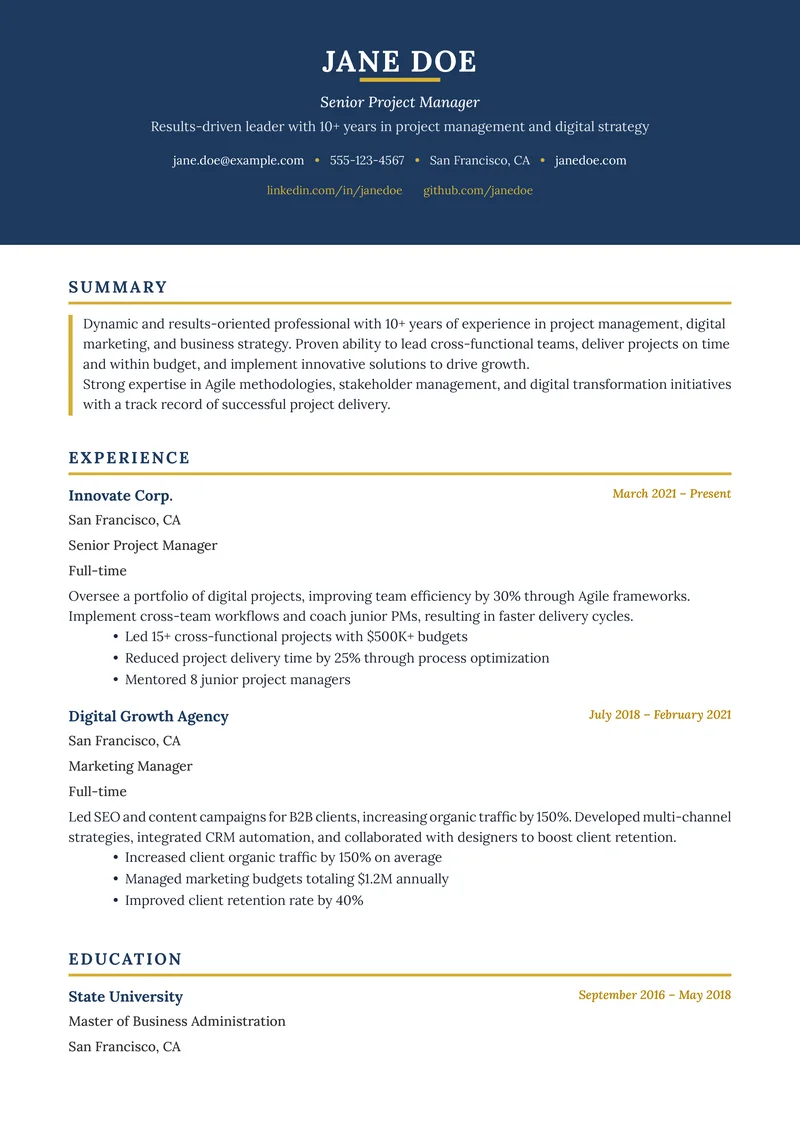
Build Your Perfect Resume
Create an ATS-optimized resume with our AI-powered builder.
No signup required.Start Building FreeExplore Resources
Enjoyed this article?
Share it with your network
