Your resume gets you the interview.
But LinkedIn? LinkedIn gets you found.
Of recruiters
Use LinkedIn regularly to find candidates
Source: Jobvite, 2024
While you're applying to jobs, sending resumes into the void, recruiters are searching LinkedIn for candidates with specific skills, experience, and backgrounds. If your profile isn't optimized, you're invisible to them.
This guide shows you exactly how to build a LinkedIn profile that ranks in recruiter searches and makes them want to reach out.
The Big Picture
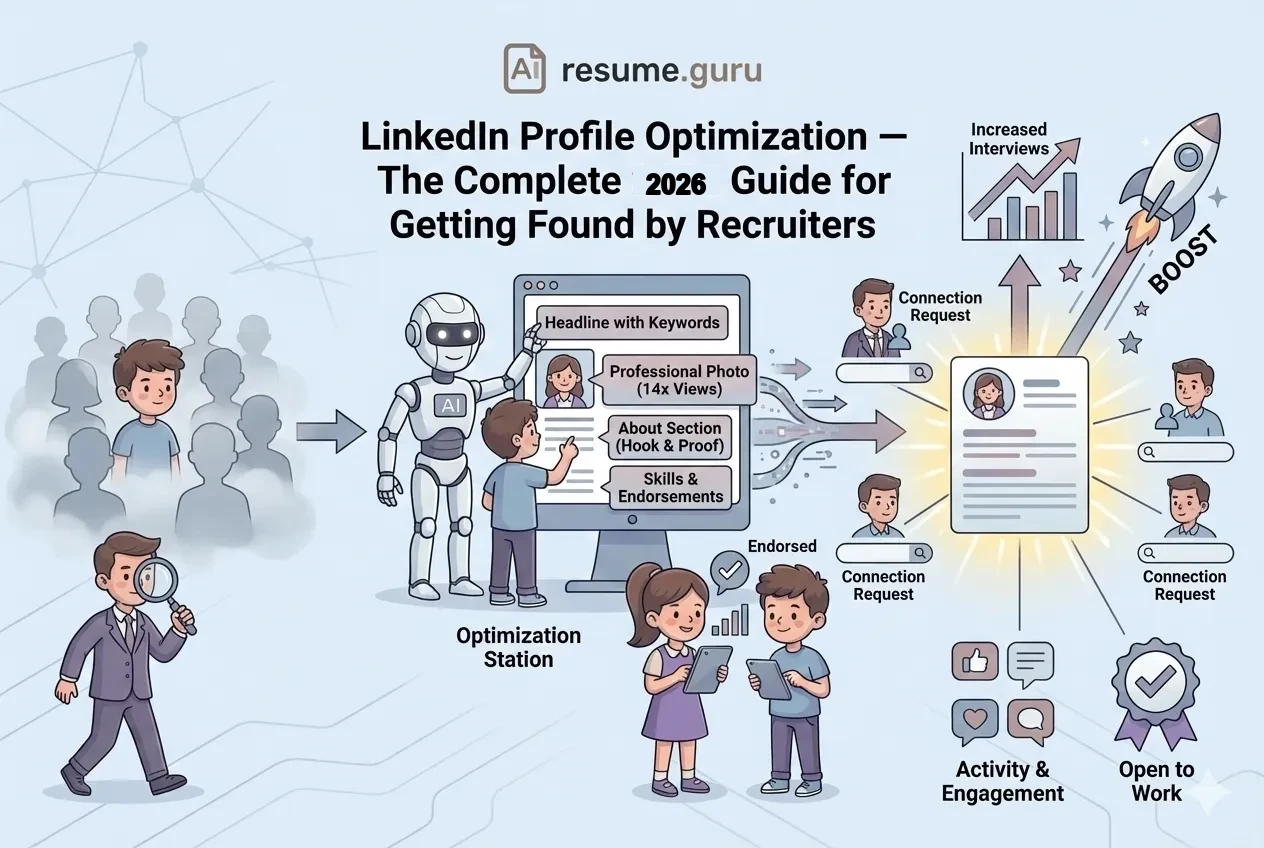
- Headline + Photo + About = Your "Big 3" (optimize these first)
- Keywords matter — recruiters search by skills, not clever taglines
- Results-focused Experience — same format as your resume
- Skills with endorsements — boost your search ranking
- Activity matters — LinkedIn favors active profiles
What Recruiters Actually See
When a recruiter searches LinkedIn, they see a list of mini-profiles:
- Your headshot (or a grey silhouette if you don't have one)
- Your headline (the text under your name)
- Current company and location
- A snippet of your About section
That's it. That's your pitch. If any of these are weak or missing, they scroll past.
The Recruiter's Perspective
Recruiters often search for: "[Job Title] + [Skill] + [Location]"
Example: "Product Manager SQL San Francisco"
If those words aren't in your profile, you won't appear.
Section-by-Section Optimization Guide
1. Profile Photo
More profile views
For profiles with professional photos
Source: LinkedIn
Requirements:
- Clear, recent professional headshot
- Face takes up ~60% of the frame
- Good lighting (natural light is best)
- Neutral or simple background
- Smile optional—but approachable expression helps
Photo Don'ts
No group photos, vacation pictures, blurry selfies, or images where your face is too small. No images with sunglasses or cropped from a wedding.
2. Banner Image (Background Photo)
The banner is prime real estate most people ignore.
Use it for:
- A simple branded graphic with your value proposition
- Your industry or specialization (marketing metrics, code, design)
- A conference speaking photo (if relevant)
- Just a professional, uncluttered image that doesn't distract
Size: 1584 x 396 pixels
3. Headline (The Most Searchable Section)
Your headline is the most important text on your profile. It follows you everywhere—in search results, comments, messages, and connection requests.
Weak Headline
"Student at State University" or "Looking for opportunities"
This tells recruiters nothing about what you offer.
Strong Headline
"Product Manager | B2B SaaS | Data-Driven Growth | Python, SQL"
Keywords + specialization + searchable skills.
The Formula:
[Job Title] | [Specialty/Industry] | [Key Skills or Value Prop]
Examples by Role:
| Role | Weak Headline | Strong Headline |
|---|---|---|
| Software Engineer | "Engineer at Company" | "Software Engineer |
| Marketing | "Marketing Professional" | "B2B Marketing Manager |
| Sales | "Account Executive" | "Enterprise AE |
| Recent Grad | "Recent Graduate" | "Marketing Graduate |
Pro tip: You have 220 characters. Use them. The first ~60 are visible on mobile—front-load keywords.
4. About Section
This is your professional story—the human element beyond bullet points.
Structure:
- Hook (1-2 sentences): What you do and what you're passionate about
- Proof (2-3 sentences): Key achievements, quantified if possible
- Skills (1 sentence): Technical and soft skills
- Call to action (optional): What you're looking for, how to reach you
Example:
I help B2B SaaS companies turn leads into revenue.
With 7 years in demand generation, I've built marketing engines that consistently deliver results: 150% growth in MQLs, 40% improvement in pipeline velocity, and campaigns that sales teams actually love.
My toolkit: HubSpot, Salesforce, Google Analytics, content strategy, and the ability to turn data into action.
Currently exploring marketing leadership roles at growth-stage companies. Let's connect—I always respond.
Keyword Strategy
Include keywords naturally throughout. If you want to be found for "demand generation," use the exact phrase (don't just say "lead gen").
5. Experience Section
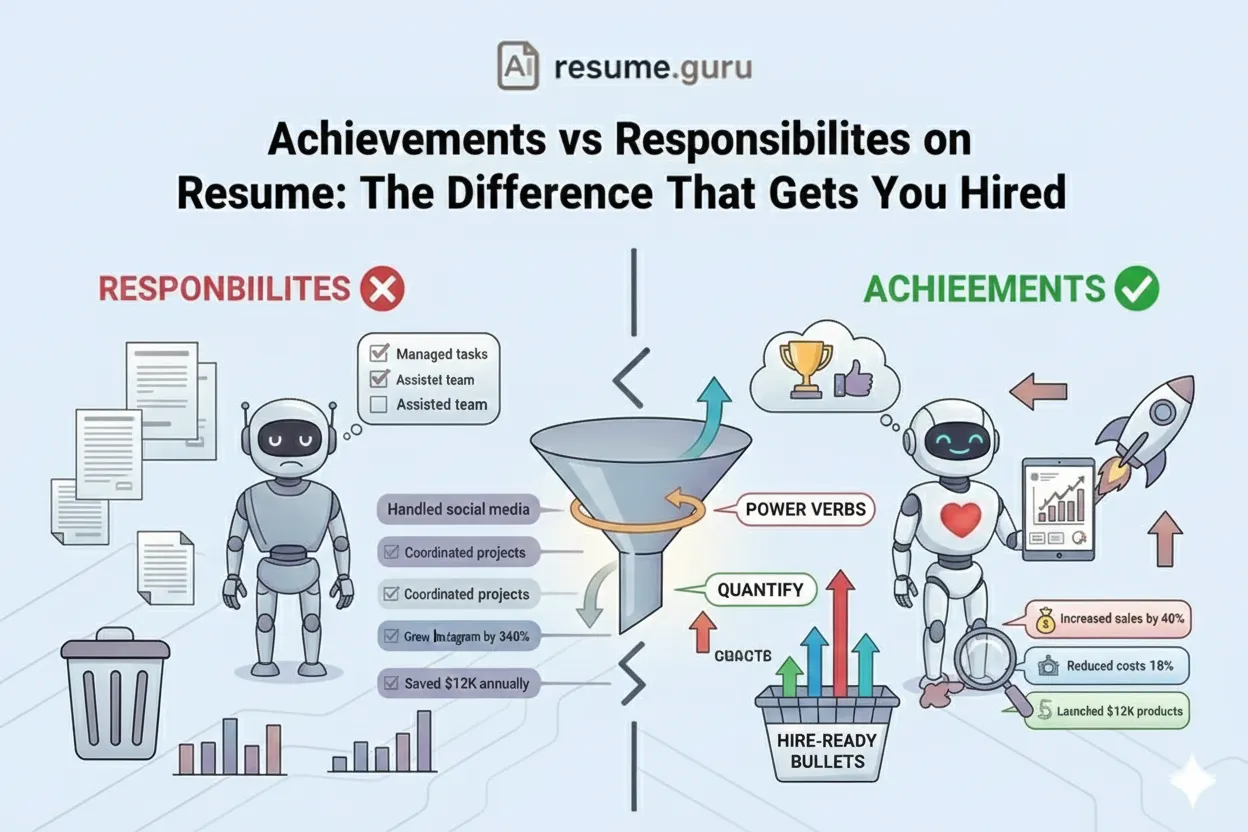
Treat this like a resume—achievements, not just duties.
| Weak Experience ❌ | Strong Experience ✅ |
|---|---|
| Responsible for managing social media | Grew Instagram following from 5K to 50K with 8% engagement rate |
| Worked on the sales team | Closed $2M in new business, exceeding quota by 140% |
| Helped with product launches | Led launch of mobile app that acquired 50K users in first month |
Tips:
- Use 3-5 bullet points per role (recent roles get more)
- Start each bullet with an action verb
- Include metrics wherever possible
- Add media: presentations, articles, projects
6. Skills Section (Critical for Search Ranking)
Recruiters filter searches by skills. If you don't have the skill listed, you're invisible.
Skills Optimization
- List up to 50 skills (yes, use all 50 if relevant)
- Pin your top 3 skills to align with your target roles
- Get at least 10 endorsements for your top skills
- Include exact skill names recruiters search for
- Mix technical (Python, Salesforce) and soft skills (Leadership)
Get Endorsements
Endorse your connections' skills genuinely. Many will reciprocate. More endorsements = higher ranking for that skill.
7. Featured Section
This is your portfolio—use it to show, not just tell.
What to feature:
- Published articles or blog posts
- Conference presentations or talks
- Case studies or project summaries
- Links to your portfolio or personal site
- Notable media mentions
8. Recommendations
Third-party proof is powerful. Aim for 3-5 recommendations from:
- Former managers
- Colleagues who witnessed your work
- Clients (if applicable)
How to request: Be specific: "Would you be willing to write a recommendation focusing on [specific project/skill]? A few sentences would be great."
The "Open to Work" Decision
Benefits of Open to Work ✅
- 20% more InMails from recruiters
- Signals you're actively looking
- Can be set to 'Recruiters only' (invisible to current employer)
Considerations ❌
- Some see it as desperate (minority view)
- Your company might still see it (not 100% private)
- May attract low-quality outreach
Recommendation: If actively job searching, turn it on with "Recruiters only" visibility. The benefits outweigh the risks.
The 2026 LinkedIn Algorithm
LinkedIn's algorithm has evolved. Here's what matters now:
- 1
Relevance over virality
Algorithm shows content to people who work similar jobs, industries, or topics—not just viral content.
- 2
Quality engagement > quantity
Thoughtful comments and 'dwell time' (how long people spend on your content) matter more than likes.
- 3
Connections first
Your network sees your content first. Build genuine connections.
- 4
Native content wins
Posts uploaded directly to LinkedIn outperform external links.
- 5
Consistency beats sporadic posting
Regular activity (3-5 posts/week) signals an active profile.
LinkedIn Activity Strategy
An optimized profile matters—but activity keeps you visible and top-of-mind.
Weekly LinkedIn Activity
- Engage (comment thoughtfully) on 3-5 posts daily
- Share 1-2 pieces of content per week (original or insight-added reposts)
- Accept/send connection requests to grow your network
- Update your profile when you complete projects or gain skills
- Respond to messages and InMails promptly
The CFBR Strategy
"Commenting for Better Reach" can boost your visibility—but only when done authentically. Learn how in our CFBR LinkedIn Guide.
Hidden Settings You Should Change
1. Custom URL
- Default: linkedin.com/in/john-smith-7a3b45
- Better: linkedin.com/in/johnsmith (cleaner, more professional)
Go to: Edit public profile > Edit your custom URL
2. Open to Work Visibility
- Set to "Recruiters only" if currently employed
- Go to: Your profile > Open to > Finding a new job
3. Profile Visibility
- Ensure your full profile is visible to everyone (not just connections)
- Go to: Settings > Visibility
LinkedIn Profile Checklist
Optimization Checklist
- Professional photo uploaded
- Custom banner (not default grey)
- Keyword-rich headline (not just job title)
- Compelling About section with a hook and proof
- Experience with quantified achievements
- All 50 skills listed (relevant ones)
- Top 3 skills pinned and endorsed
- Featured section with work samples
- 3+ recommendations
- Custom URL claimed
- Open to Work settings configured
The Bottom Line
Your resume gets you the interview. LinkedIn gets you in front of recruiters you'd never find otherwise.
Optimize the Big 3 (Photo, Headline, About). Fill in skills for searchability. Show results, not just responsibilities. Stay active.
The recruiters are searching. Make sure they find you.
Need help with your LinkedIn bio?
Our LinkedIn Bio Generator creates an optimized About section in seconds—keyword-rich and tailored to your target roles.
Try LinkedIn Bio GeneratorRelated Resources
- What is CFBR on LinkedIn? — Engagement strategy
- Resume Optimization Guide — Your resume should match your LinkedIn
- Professional Summary Examples — Use these for your About section
- Resume Builder — Create a resume that matches your LinkedIn
- LinkedIn Bio Generator — AI-powered About section writer
- Resume Examples — See full resume samples
Frequently Asked Questions
How do recruiters find candidates on LinkedIn?
Recruiters use LinkedIn's search filters and Boolean queries. They search by keywords (job titles, skills, companies, locations), filter by experience level, and scan profiles that match. Your keyword-rich headline, skills section, and about section determine whether you show up.
What's the most important part of a LinkedIn profile?
Your headline—it follows you everywhere on the platform. Then your photo (profiles with photos get 14x more views), then your About section. These three form the first impression.
Should I use 'Open to Work' on LinkedIn?
For active job seekers, yes—it increases visibility to recruiters by up to 20%. You can set it to be visible only to recruiters (not your current employer) through privacy settings.
How often should I update my LinkedIn profile?
Every time you change roles, complete a major project, or gain a new skill or certification. At minimum, review quarterly to keep it current.
Is LinkedIn important if I'm not job searching?
Yes. Opportunities come through your network even when you're not actively looking. A strong profile keeps doors open.
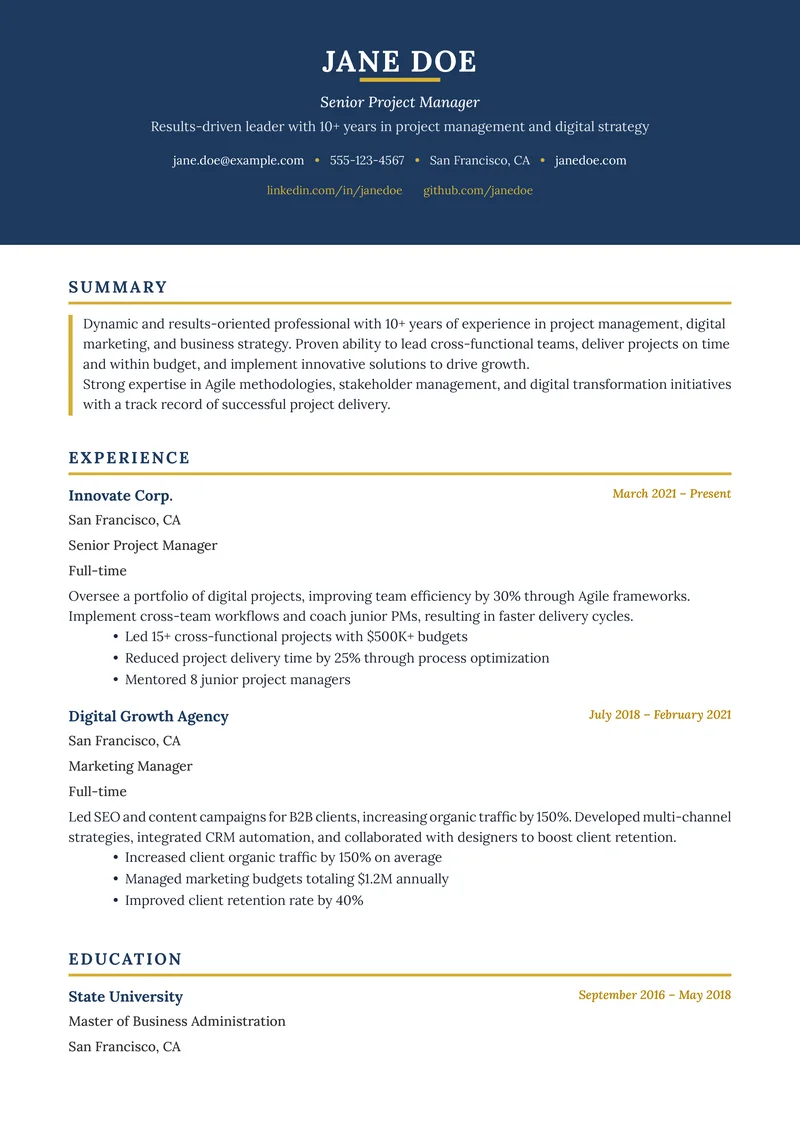
Build Your Perfect Resume
Create an ATS-optimized resume with our AI-powered builder.
No signup required.Start Building FreeExplore Resources
Enjoyed this article?
Share it with your network