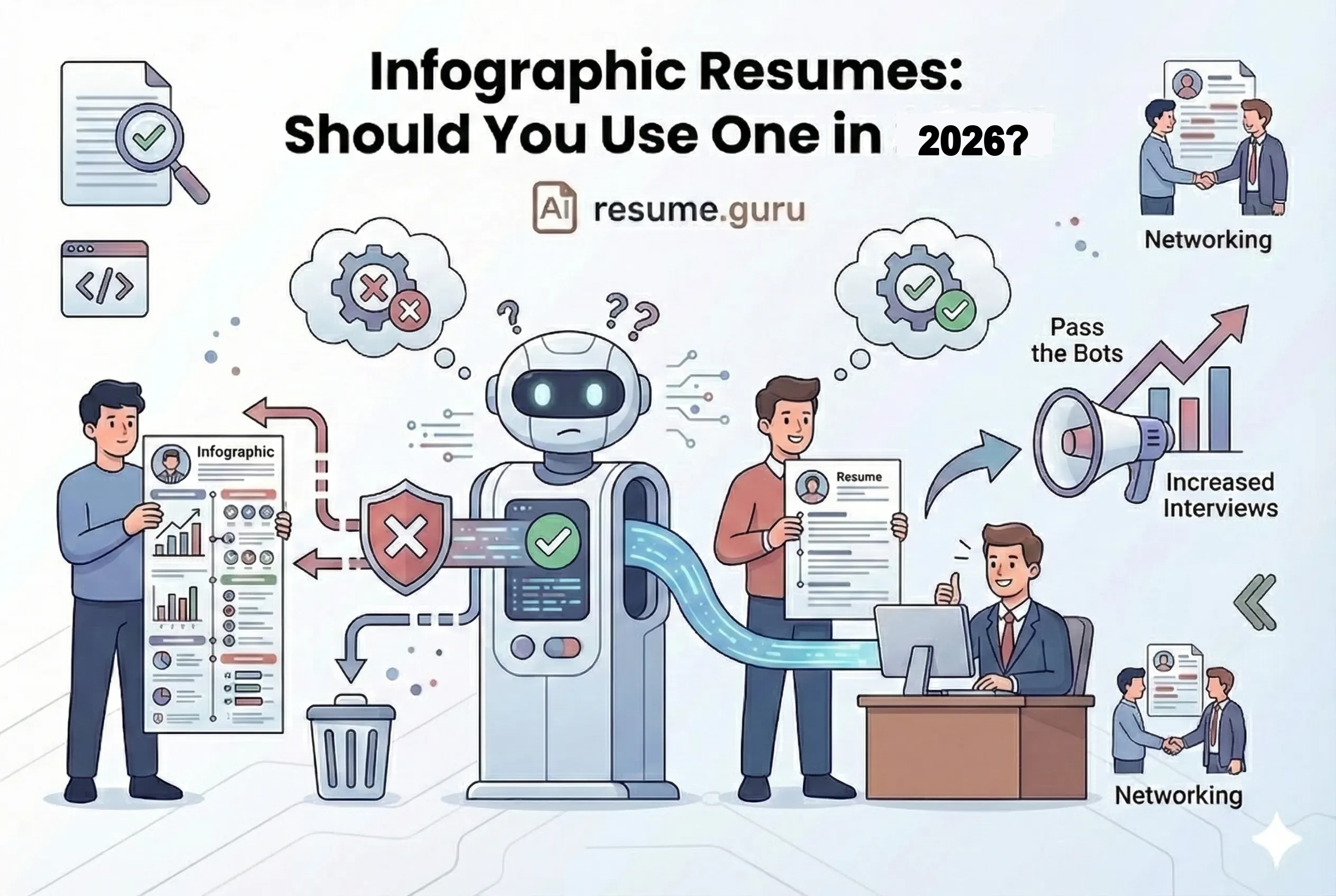
You've seen them on Pinterest. Colorful graphics. Skill bar charts. A timeline of your career. Data visualizations that transform a boring resume into a work of art.
They look incredible.
They also get you rejected—silently, automatically—before any human ever sees them.
Of resumes rejected by ATS
Many due to complex formatting, graphics, and non-standard layouts
Source: Jobscan, 2024
Here's the brutal truth about infographic resumes: They're the job search equivalent of bringing a sports car to an off-road race. Impressive? Yes. Effective? Absolutely not for the terrain.
The Quick Verdict
- ❌ Never submit infographic resumes through online job portals
- ⚠️ Most "creative" industries still use ATS for initial filtering
- ✅ Infographics work ONLY for: direct emails, networking, and leave-behinds
- 🔥 Best approach: Keep two versions—traditional (for applications) and visual (for networking)
Why Infographic Resumes Exist
The appeal is obvious:
The Allure
- Visual information is processed 60,000x faster than text
- They stand out in a pile of black-and-white documents
- They showcase design skills through the resume itself
- Memorable for hiring managers after interviews
- Great conversation starters at networking events
The Reality
- ATS can't parse graphics, charts, or non-standard layouts
- Text in images is invisible to search algorithms
- Complex layouts scramble when parsed
- Many creative companies still use ATS
- May be seen as 'style over substance'
The core problem: Infographic resumes were designed for human eyes, but 99% of Fortune 500 companies use robots to screen first.
How ATS Sees Your Infographic Resume
When you submit a beautifully designed infographic resume, here's what happens:
- 1
ATS attempts to extract text
The system tries to read your document top-to-bottom, left-to-right.
- 2
Graphics are ignored
That skill bar showing 'Python: 90%'? The ATS sees nothing. Charts, icons, images—all invisible.
- 3
Multi-column layouts get jumbled
Your carefully designed sidebar merges with your main content into gibberish.
- 4
Text in shapes/images is lost
Contact info in a designed header? Section titles in graphics? Gone.
- 5
Your parsed resume looks incomplete
What reaches the recruiter's dashboard is a fragmented mess—if it reaches them at all.
What the Recruiter Actually Sees
| What You Designed | What ATS Extracted |
|---|---|
| Sidebar with contact info + skills chart | ... (empty) |
| Timeline graphic of career | 2019 2021 2023 |
| Python ████████░░ 85% | (nothing parsed) |
| Icon + 'San Francisco, CA' | San Francisco, CA |
| Beautiful job title in header | Software Engineer ABC Company... |
The 430% Interview Lie
You may have seen statistics claiming infographic resumes get "430% more interviews" or similar. Here's the context:
The Fine Print
These studies typically measured infographic resumes submitted directly to hiring managers (not through ATS portals). In that context, yes—visual resumes get more attention.
But that's not how most people apply for jobs. If you're applying through LinkedIn, Indeed, company career sites, or any online portal... you're going through ATS.
The statistic is true only for a very specific use case that represents maybe 10% of modern job applications.
When Infographic Resumes Actually Work
There are legitimate situations where an infographic resume shines:
Use an Infographic Resume If...
- You're emailing a hiring manager directly (not through a portal)
- You're networking in person at events or conferences
- You're leaving it behind after an interview
- You're applying to a small creative agency that doesn't use ATS
- It's specifically requested (rare)
- You're building a portfolio piece to showcase design skills
The Best Use Case: Networking
Where Infographics Shine
The Career Fair Scenario: You're at a networking event. You meet 20 hiring managers. You hand them a creative, memorable infographic resume.
Result: Instead of being "one of 200 black-and-white resumes on the pile," you're "that designer with the cool visual resume."
The Follow-Up Email: After an interview, you send a thank-you email with your infographic attached "for their records."
Result: You become memorable. Your visual resume sits on their desk. It works as a reminder, not a filter-bypass.
The Hybrid Approach: Best of Both Worlds
You don't have to choose between "boring" and "unemployed."
The Two-Resume Strategy
Version 1: ATS-Optimized Traditional (for applications)
- Single column layout
- Plain text, no graphics
- Standard fonts and formatting
- Submit through job portals
Version 2: Visual/Infographic (for networking)
- Designed with visual elements
- Charts, icons, creative layouts
- Print-quality PDF
- Hand directly to humans
The Visual Traditional Resume
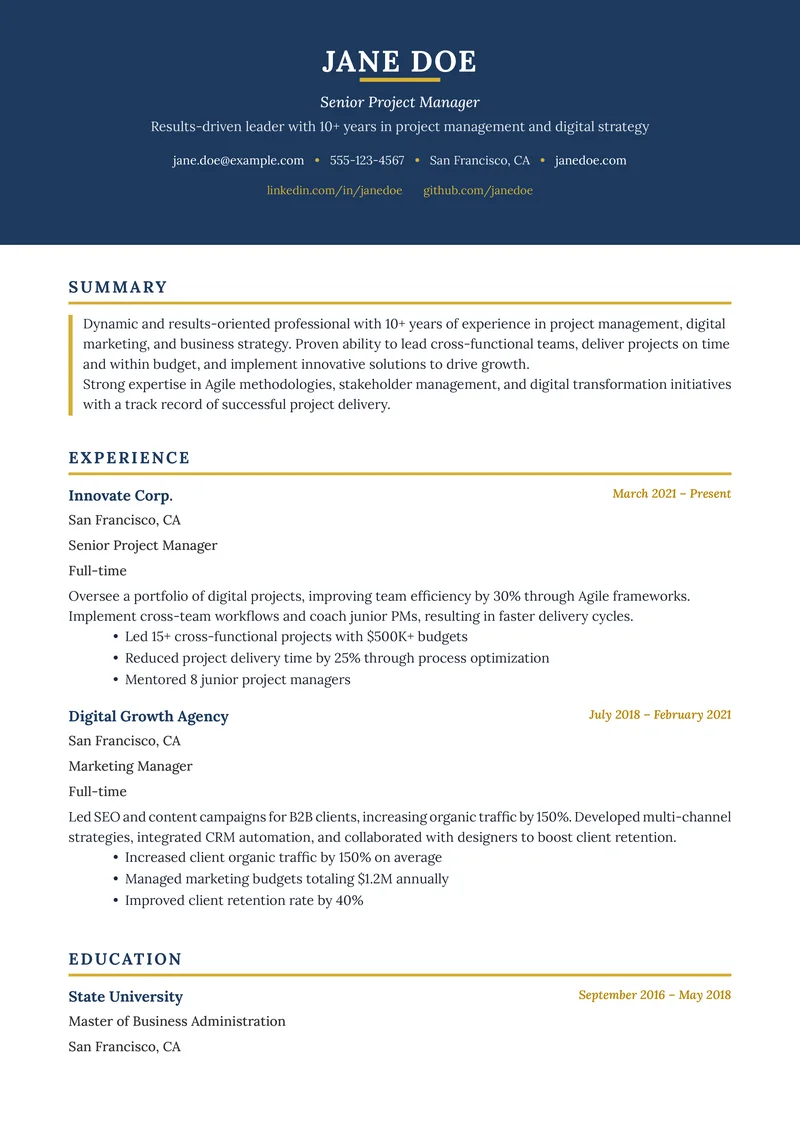
There's also a middle ground: a resume that's ATS-friendly but still looks modern and designed.
Elements that work:
- Subtle color accents (header, section titles)
- Clean, modern typography
- Strategic white space
- Simple icons (phone, email) at small sizes
- A thin colored line under section headers
Elements to avoid:
- Skill bar graphs
- Timeline graphics
- Charts and data visualizations
- Multi-column layouts with complex content
- Text inside shapes or images
| True Infographic | Visual Traditional (Hybrid) |
|---|---|
| Skill bars: Python ████░░ | Skills: Python, JavaScript, SQL |
| Career timeline graphic | Standard reverse-chronological lists |
| Icons for everything | Icons only for contact info |
| Multi-column with sidebar | Single column or simple two-column |
| ATS = broken | ATS = parsed correctly |
Industry-Specific Guidance
| Industry | Infographic Resume? | Recommendation |
|---|---|---|
| Graphic Design / UX | Maybe (with caveats) | Keep one for portfolio; traditional for applications |
| Marketing / Advertising | Rarely | Visual traditional hybrid is better |
| Technology / Engineering | No | Skills matter more than design |
| Finance / Consulting | Never | Conservative format required |
| Healthcare / Legal | Never | Professional standards apply |
| Freelance / Creative Agency | Sometimes | Only if submitting directly |
Even Creative Industries Use ATS
Here's what surprises people: Design agencies, advertising firms, and creative companies still use ATS.
They may appreciate your infographic once they see it—but if it can't pass their Greenhouse or Lever system first, they won't see it at all.
How to Create an Effective (But Simple) Visual Resume
If you still want visual flair without sacrificing ATS compatibility:
Safe Visual Elements
ATS-Safe Visual Touches
- Navy or dark gray section headers
- Thin horizontal lines between sections
- Bold formatting for job titles
- Clean, modern font (Roboto, Lato, Calibri)
- Small icons in contact info (tiny size)
- Strategic use of white space
Elements That Break ATS
Avoid These
- Skill bar graphics
- Career timeline visualizations
- Charts and graphs
- Full sidebar with main content
- Text inside colored boxes/shapes
- Headers/contact info as graphics
The Portfolio Alternative
A Better Way to Show Design Skills
Instead of an infographic resume:
- Use a clean, traditional resume for applications
- Include a link to your portfolio website
- Your portfolio can be as visually creative as you want
- Bonus: Include the infographic resume AS a portfolio piece
This shows design skills without gambling your application. Need inspiration? Browse our resume examples to see clean, effective layouts.
If You Must Use an Infographic Resume
Okay, you're determined to use one. Here's how to minimize the damage:
- 1
Only submit directly to humans
Email to hiring managers, hand over at events, attach in follow-ups. Never through job portals.
- 2
Always have a backup traditional version
When they ask you to 'apply through our system,' use the traditional version.
- 3
Keep critical text visible as actual text
Don't put your name, contact info, or job titles inside graphics.
- 4
Avoid fully replacing text with visuals
Skills listed as 'Python, JavaScript' are readable. Skill bars are not.
- 5
Include a QR code or link to traditional version
Some infographics include a link saying 'ATS-friendly version at [link]'.
The Bottom Line
Infographic resumes are beautiful. They're also job search poison for 90% of applications.
The winning strategy:
- Apply online? → Traditional ATS-friendly resume
- Networking/direct email? → Infographic or visual version
- Not sure? → Traditional is always safe
Your skills should be what impresses recruiters—not your ability to design around a broken system.
Get a resume that actually passes ATS
Our templates are designed for both visual appeal AND ATS compatibility. Stand out AND get through.
Browse TemplatesRelated Resources
- ATS-Friendly Resume Guide — How to optimize for tracking systems
- Using Color on Resume — Safe visual touches
- Single vs Double Column — Layout decisions
- Video Resume Guide — Another visual format option
- Resume Examples — See ATS-friendly designs
- Resume Templates — ATS-tested designs
- AI Resume Builder — Build a professional resume
- Resume Builder — Create a professional resume
- All Resume Tools — Free optimization tools
Frequently Asked Questions
Do infographic resumes work in 2026?
For most jobs, no. ATS can't parse graphics, charts, and visual elements—your resume gets filtered out before humans see it. They work only for creative roles AND when submitted directly to a person (not through an online portal).
Should I use an infographic resume for creative jobs?
Only if you're emailing it directly to a hiring manager or handing it over in person. For online applications (even at design agencies), use a traditional ATS-friendly format—they still use ATS to manage candidates.
What's the best alternative to a full infographic resume?
The 'visual hybrid' approach: traditional ATS-friendly format with subtle visual elements (color accents, clean icons, modern typography). Gets you past ATS while still showing design sensibility.
Are infographic resumes good for networking?
Yes—this is their best use case. Hand them out at conferences, attach to cold emails, or use as leave-behinds after interviews. Just have a traditional version ready for formal applications.
Build Your Perfect Resume
Create an ATS-optimized resume with our AI-powered builder.
No signup required.Start Building FreeExplore Resources
Enjoyed this article?
Share it with your network