You’ve tailored your resume. Proofread it twice. Hit submit.
Silence.
No callback. No rejection email. Just… nothing.
Here’s what probably happened: your resume never reached human eyes. It got filtered out by an ATS—Applicant Tracking System—before anyone could read it.
Of resumes are rejected by ATS
Before a human recruiter ever sees them
Source: Jobscan Research, 2023
That’s not a typo. Three out of four resumes get auto-rejected—not because the candidates aren’t qualified, but because their resumes weren’t optimized for the systems that screen them.
The good news? This is completely fixable. And this guide will show you exactly how.
What You'll Learn
- How ATS systems actually work (spoiler: they’re not as smart as you think)
- The formatting rules that prevent parsing failures
- Keyword optimization that works without looking spammy
- The exact structure that recruiters and algorithms both love
- Common mistakes that tank otherwise great resumes
How ATS Actually Works (And Why Your Resume Keeps Failing)
Let’s demystify the robot gatekeeper. If parsing is where you’re losing, the shortcut is to browse ATS-safe templates built to survive it.
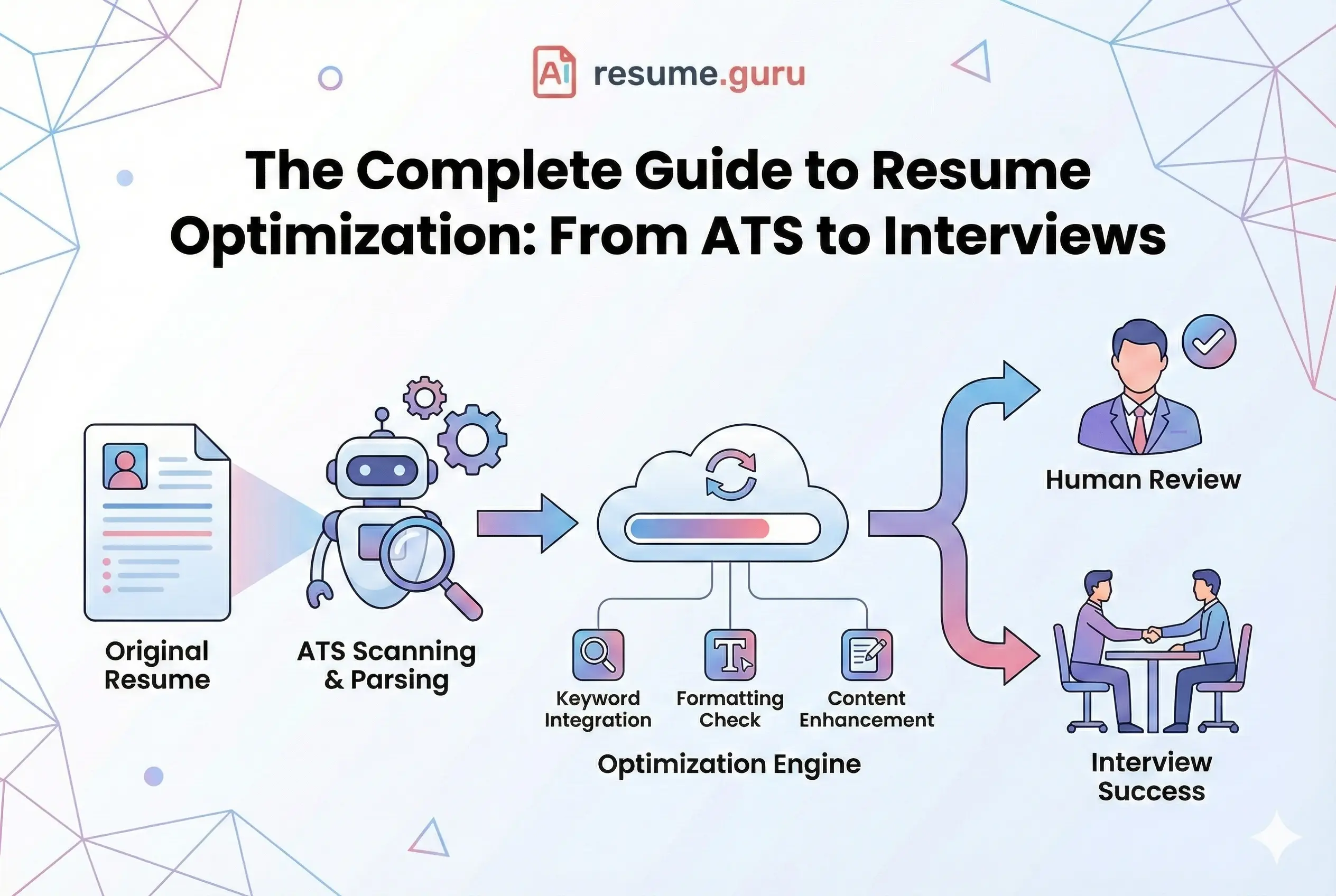
An Applicant Tracking System is software that companies use to manage job applications. It does three things:
- 1
Parsing
The ATS reads your resume and extracts information: name, contact info, work history, skills, education. If your formatting is weird, parsing fails—and your resume becomes garbage data.
- 2
Keyword Matching
The system compares your resume against the job description. The more relevant matches, the higher your score.
- 3
Ranking
Candidates are ranked by score. Recruiters typically only review the top 20-30%. If your score is low, you're invisible.
The Problem
ATS systems are literal. They don’t infer, interpret, or read between the lines. If the job posting says “project management” and you wrote “managed projects,” some systems won’t count it as a match.
The 6-Second Recruiter Reality
Average resume scan time
That's how long you have to make an impression
Source: Eye-tracking study, 2018
Even if you pass the ATS, you’re not home free. Recruiters scan—they don’t read.
Your resume needs to work for both:
- The algorithm (keywords, parsing, structure)
- The human (clarity, impact, visual hierarchy)
That’s what optimization really means: making your resume machine-readable AND human-compelling.
Part 1: ATS-Friendly Formatting (The Non-Negotiables)
Before you worry about keywords, make sure your resume can be read by ATS systems. Here’s what works and what breaks: The fastest way to find out where yours stands is to score your resume now.
DO: Use Standard Formats
- Fonts: Arial, Calibri, Helvetica, Times New Roman (10-12pt)
- Headers: Standard names (Experience, Education, Skills)
- File format: PDF or .docx
- Margins: 0.5-1 inch on all sides
- Simple bullet points (•) for lists
DON'T: Use Creative Elements
- Graphics, images, logos, or icons
- Tables or multi-column layouts (unless properly coded)
- Text boxes or floating elements
- Headers/footers with key information
- Unusual fonts or colors
The Hidden Killer
Many beautiful resume templates use invisible text boxes and tables that ATS systems can’t parse. Your contact info might literally disappear. Always test your template with an ATS scanner before using it.
The Optimal Resume Order
Structure matters for both ATS parsing and recruiter scanning:
- 1
Contact Information
Name, phone, email, LinkedIn, location (city/state). No physical address needed.
- 2
Professional Summary
2-3 sentences with your value proposition and top qualifications. Keyword-rich.
- 3
Skills Section
Your keyword repository. Hard skills, tools, technologies, methodologies.
- 4
Professional Experience
Reverse chronological. Each role: company, title, dates, 3-5 achievement bullets.
- 5
Education
Degree, school, graduation year. GPA if it's strong and you're early-career.
- 6
Additional Sections (Optional)
Certifications, projects, publications, volunteer work—if relevant.
Part 2: Keyword Optimization (The Matching Game)
Keywords are the currency of ATS systems. Without them, you’re invisible.
But keyword optimization isn’t about stuffing terms randomly. It’s about strategic placement.
Where to Find the Right Keywords
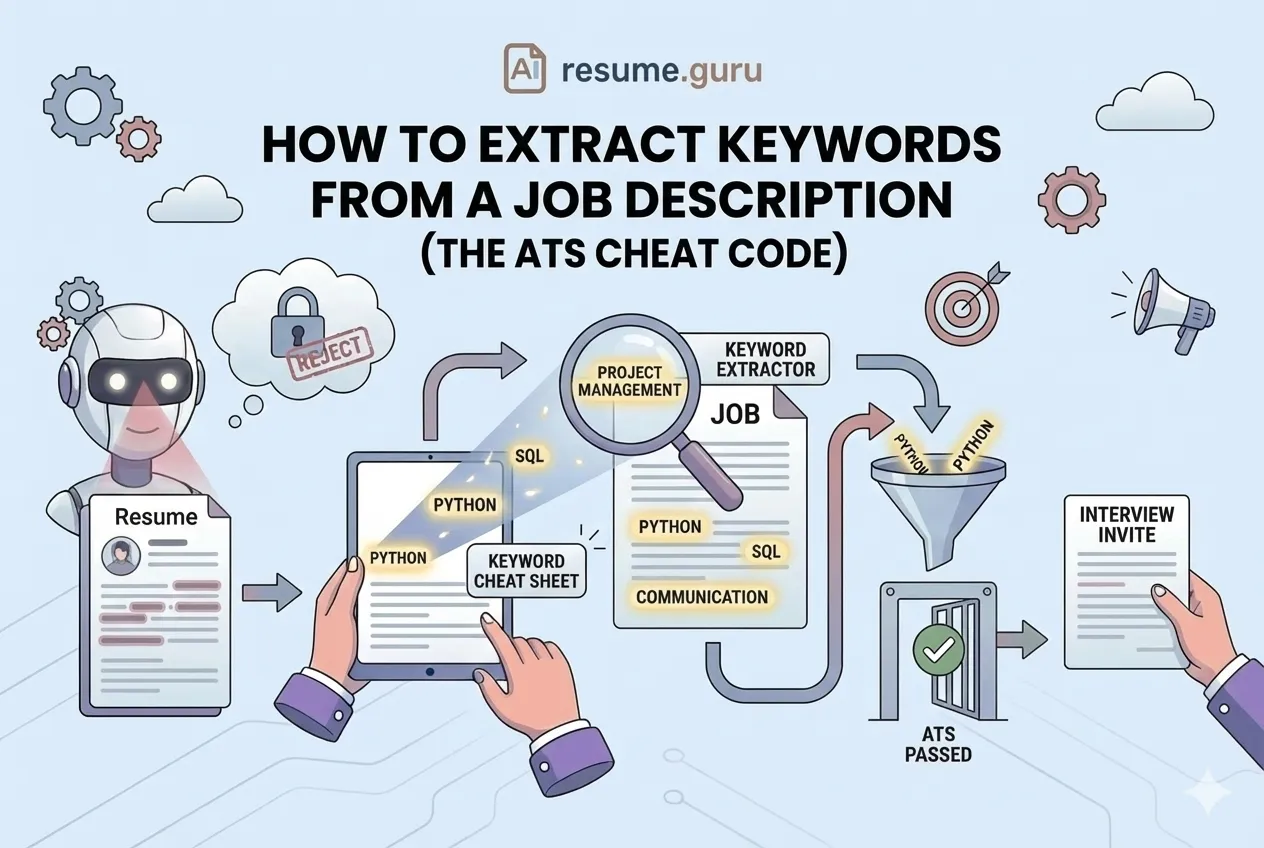
The job posting is your keyword source. Everything you need is right there.
- 1
Copy the job posting into a document
- 2
Highlight repeated terms
Skills, tools, and qualifications mentioned multiple times are high-priority.
- 3
Note the exact phrasing
If they say 'project management,' use that—not 'managed projects.'
- 4
Identify required vs. preferred
Required skills need to be on your resume. Preferred skills give you a boost.
Where to Put Keywords
| Location | Priority | Notes |
|---|---|---|
| Professional Summary | Critical | Your most important keywords belong here—recruiters read this first |
| Skills Section | Critical | Your keyword repository—list every relevant hard skill and tool |
| Experience Bullets | High | Weave keywords naturally into achievement statements |
| Job Titles (if accurate) | Medium | Match the job title in the posting if you held a similar role |
| Education/Certifications | Medium | Include relevant coursework, certifications, and training |
Pro Tip
Use our Keyword Scanner to compare your resume against any job description. It shows exactly which keywords you’re missing.
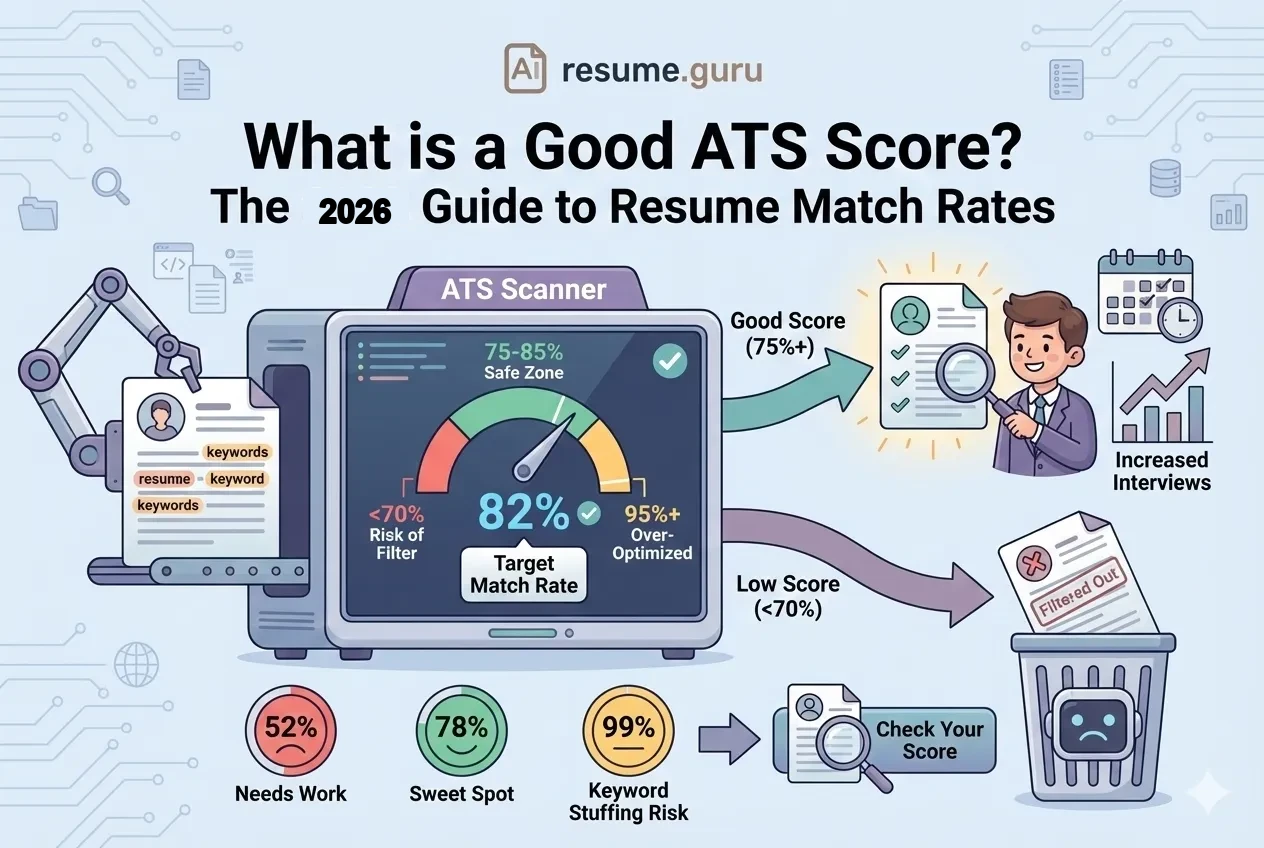
The 70-80% Rule
Info
Aim to match 70-80% of key terms from the job posting. You don’t need 100%—that often looks unnatural. Focus on required qualifications and frequently-mentioned skills.
Part 3: The STAR Method for Powerful Bullets
Your experience bullets are where optimization meets impact. Don’t just list what you did—show the results. The same STAR structure carries into the interview, so it’s worth using them to practice interview answers.
STAR = Situation → Task → Action → Result
| Before ❌ | After ✅ |
|---|---|
| Managed social media accounts | Led social media strategy for 3 platforms, increasing engagement by 40% and growing followers from 5K to 12K in 6 months |
| Responsible for customer service | Resolved 50+ customer inquiries daily with 95% satisfaction rating, reducing escalations by 30% |
| Worked on software development | Developed microservices using Python and Docker, reducing API response time by 35% and deployment time from 2 hours to 15 minutes |
| Helped with sales | Generated $150K in new revenue through strategic client outreach, exceeding quarterly targets by 25% |
The Pattern
[Action Verb] + [What You Did] + [Quantified Result]
Numbers make your achievements concrete and memorable. Even estimates work better than nothing.
Part 4: Customization Strategy (One Size Fits None)
Generic resumes get generic results: rejection.
For competitive roles, you need to customize. Here’s the minimum:
Per-Application Customization
- Summary rewritten to match job requirements
- Skills reordered to prioritize what they're asking for
- Top 3-5 experience bullets aligned with role
- Keywords from job posting incorporated naturally
- Company name referenced in cover letter (if sending one)
More interviews for tailored resumes
Compared to generic one-size-fits-all applications
Pro Tip
Use our Job Matcher to see how your resume scores against specific job postings—and get suggestions for what to add.
Part 5: Common Optimization Mistakes
Even well-intentioned candidates make these errors:
Mistake 1: Keyword Stuffing
The problem: Cramming keywords everywhere, even where they don’t fit
Why it hurts: Modern ATS systems can detect stuffing. Humans definitely can.
The fix: Use keywords naturally within context. If it sounds weird out loud, rewrite it.
Mistake 2: Generic Professional Summary
The problem: “Results-driven professional seeking challenging opportunity…”
Why it hurts: Says nothing. Every resume has this.
The fix: Be specific. Mention your expertise, key skills, and target role.
Mistake 3: Weak Action Verbs
The problem: Starting bullets with “Responsible for…” or “Helped with…”
Why it hurts: Passive language buries your achievements.
The fix: Lead with strong verbs: Led, Developed, Increased, Reduced, Built, Launched.
Mistake 4: Missing Quantification
The problem: “Improved sales performance”
Why it hurts: Vague achievements don’t stick.
The fix: Add numbers: “Increased sales by 25%” or “reduced costs by $50K annually.”
Mistake 5: Ignoring the Job Posting
The problem: Sending the same resume to every application
Why it hurts: ATS keyword matching is literal. No match = no ranking.
The fix: Customize your summary and skills for every application.
Industry-Specific Optimization Tips
Different industries prioritize different things:
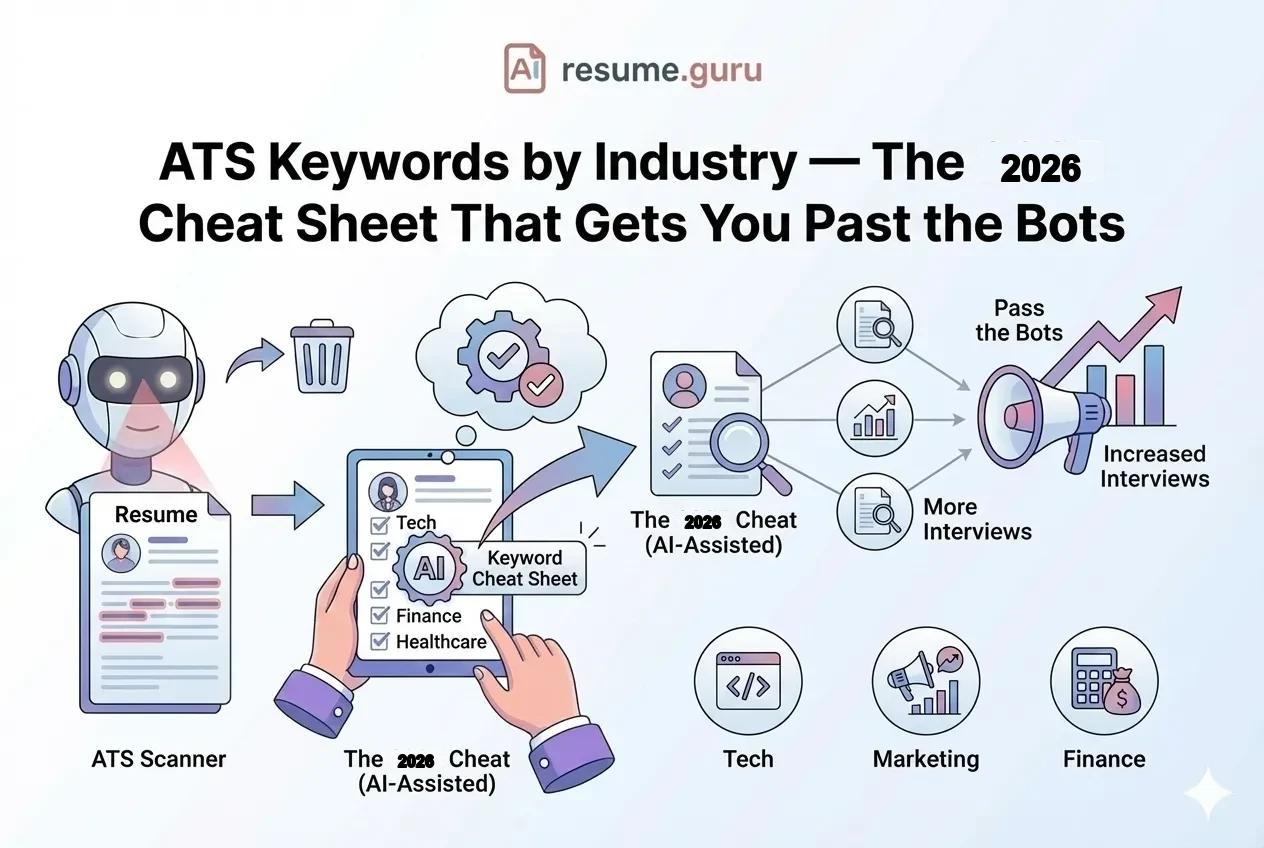
Tech Roles
- Lead with technical skills and programming languages
- Include GitHub, portfolio links, or notable projects
- Certifications matter (AWS, Google, etc.)
- Keywords: specific technologies, frameworks, methodologies
Marketing Roles
- Quantify campaign results (ROI, engagement, conversions)
- Include tools: Google Analytics, HubSpot, SEO platforms
- Show brand impact and creative thinking
- Keywords: channels, metrics, strategies
Finance Roles
- Emphasize compliance, accuracy, and analytical skills
- Include financial modeling, reporting, and software
- Quantify cost savings, revenue impact, portfolio performance
- Keywords: regulations, methodologies, certifications (CPA, CFA)
Healthcare Roles
- Include licenses, certifications, and compliance training
- Patient care metrics and outcomes
- EHR systems and medical terminology
- Keywords: specific procedures, regulations (HIPAA), specializations
Your 4-Week Optimization Action Plan
- 1
Week 1: Foundation Audit
Test your current resume for ATS compatibility. Research target job keywords. Fix formatting issues.
- 2
Week 2: Content Optimization
Rewrite experience bullets using STAR method. Optimize skills section. Update professional summary.
- 3
Week 3: Customization Setup
Create 3-5 job-specific versions. Build a master resume you can customize quickly. Test with ATS scanners.
- 4
Week 4: Launch and Iterate
Apply to target positions. Track response rates. Refine based on what's working.
Quick Wins (30 Minutes Each)
- Run resume through ATS scanner and fix errors
- Add 5-10 keywords from dream job posting
- Rewrite summary to be specific and keyword-rich
- Add numbers to top 3 experience bullets
- Remove any graphics, tables, or unusual formatting
Ready to Optimize Your Resume?
Stop sending resumes into the void. With the right optimization, you’ll stop getting filtered out—and start getting callbacks.
Build an ATS-Optimized Resume in Minutes
Our AI-powered builder includes ATS-friendly templates, keyword suggestions, and real-time optimization feedback. No more guessing.
Start Building FreeMore Optimization Tools
Free Resume Tools
- [Resume Builder](/app) — ATS-optimized templates with AI suggestions
- [Keyword Scanner](/resume-tools/keyword-scanner) — Match your resume to job descriptions
- [Bullet Point Generator](/resume-tools/bullet-generator) — Turn duties into achievements
- [Resume Summary Generator](/resume-tools/resume-summary) — Write a compelling summary in seconds
- [Job Matcher](/resume-tools/job-matcher) — See how well you fit specific roles
The Bottom Line
Resume optimization isn’t about gaming the system—it’s about communicating clearly to both algorithms and humans.
The playbook is simple:
- Format for parsing — clean, standard, no fancy design tricks
- Match keywords — from the job posting to your resume
- Show impact — quantified achievements, not job descriptions
- Customize always — one resume per application type, minimum
Your resume is your marketing document. Optimize it like your career depends on it—because it does.
Your next interview starts with your resume
Create a resume that passes ATS, impresses recruiters, and lands more callbacks. Free to start, no credit card required.
Build My ResumeRelated Resources
Frequently Asked Questions
What is resume optimization?
Resume optimization is the process of tailoring your resume's content, keywords, and formatting to pass ATS systems and appeal to human recruiters—maximizing your chances of landing interviews.
How do I know if my resume is ATS-optimized?
Run it through an ATS scanner to check for parsing errors. Key signs of optimization: standard fonts, clear section headers, relevant keywords from job postings, and no graphics or tables.
How many keywords should I include in my resume?
Aim to match 70-80% of the key terms from the job posting. Include them naturally in your summary, skills section, and experience bullets—don't stuff them artificially.
Do I need to customize my resume for every job?
Yes, for competitive roles. At minimum, tailor your summary and skills section to match each job posting. High-effort applications significantly outperform generic submissions.
Can too many keywords hurt my resume?
Yes. Keyword stuffing looks unnatural to humans and can sometimes trigger spam detection in modern ATS systems. Use keywords naturally within context.
What file format should I use for ATS?
PDF is generally safe for modern ATS systems. Some older systems prefer .docx. When in doubt, check the application instructions or submit both formats if allowed.
Put this into practice
You have the theory. These take a few minutes and work on the resume you already have.