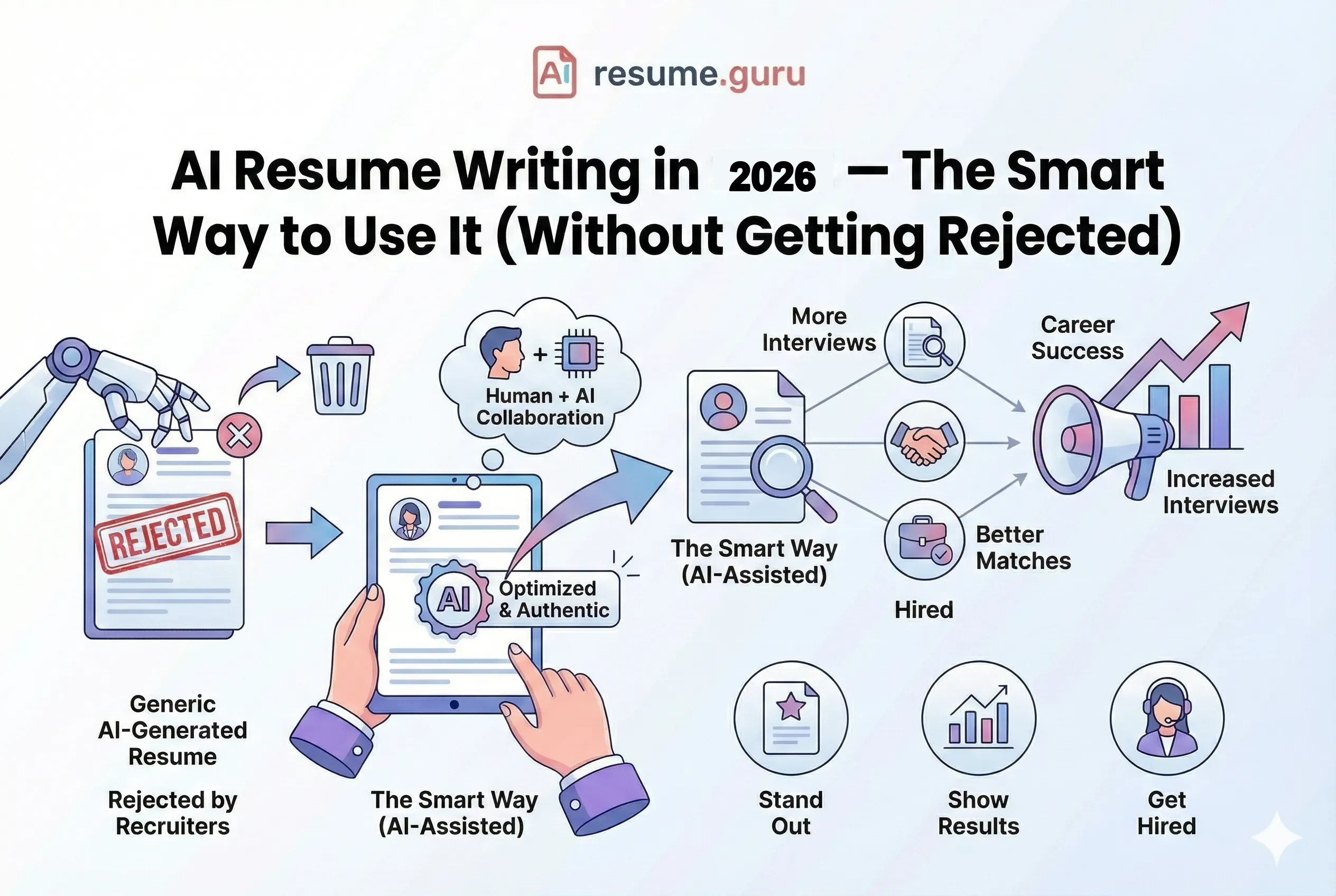
Here's the uncomfortable truth about AI and resumes in 2026:
Everyone's using it. And that's exactly why it's becoming a problem.
Of job seekers used AI
To write or optimize their resumes in 2024
Source: Forbes, 2024
When everyone submits AI-polished resumes with the same powerful verbs and optimized keywords, they all start to sound... the same. Generic. Obviously machine-written.
And recruiters notice.
Of recruiters would reject
A resume they suspect was AI-generated
Source: Resume Builder Survey, 2024
This isn't an anti-AI article. AI is a genuinely useful tool for resume writing. But there's a right way and a wrong way to use it—and the difference determines whether you land interviews or get filtered out.
The Bottom Line on AI Resumes
- Use AI as an assistant, not a replacement
- Always edit and personalize AI-generated content
- Never fabricate experiences or skills (AI makes this easy—don't do it)
- The goal: AI-assisted, human-authentic
The 3 Rules of AI Resume Writing
Before we get into tactics, these three rules should guide everything:
- 1
Never copy-paste raw AI output
AI drafts need heavy editing. The first draft is never the final draft.
- 2
Fact-check everything
AI can hallucinate metrics, embellish achievements, or misrepresent your experience. Every word must be true.
- 3
Your voice must come through
Generic AI writing is detectable. Your resume should sound like you, not a template.
What AI Actually Does Well (Use It For This)
AI shines when you use it for specific, defined tasks—not open-ended "write my resume."
1. Generating First Drafts of Bullet Points
You know what you did. AI helps you say it better.
| Your Input | AI Helps You Say |
|---|---|
| I managed a team and we did well | Led cross-functional team of 8 to deliver project 15% under budget |
| I helped with social media | Grew Instagram engagement by 45% through data-driven content strategy |
| I fixed customer problems | Resolved 60+ customer inquiries daily with 97% satisfaction rating |
The Right Prompt
Don't ask: "Write my resume."
Ask: "Rewrite this bullet point to be more impactful with quantified results: [your rough draft]"
2. Keyword Optimization
AI excels at identifying gaps between your resume and job descriptions.
Use it to:
- Extract keywords from job postings
- Suggest where to add missing skills
- Identify industry-specific terminology
Info
This is where tools like ResumeGuru's Keyword Scanner outperform general AI. They're built specifically for ATS matching.
3. Grammar and Formatting Checks
AI catches what spell-checkers miss:
- Inconsistent tense (mixing past and present)
- Weak verbs ("helped with" → "led")
- Redundant phrases
- Formatting inconsistencies
4. Structure Feedback
Ask AI to evaluate your resume's structure:
- "Is my summary compelling enough to read more?"
- "Are my most impressive achievements visible in the first few lines?"
- "What's missing that recruiters would expect?"
What AI Does Poorly (Don't Use It For This)
Where AI Fails
Telling your unique story. AI doesn't know what makes your experience special. It can only guess based on patterns.
Understanding context. AI doesn't know the startup had 5 employees or that you built the department from scratch.
Knowing what to emphasize. AI treats all achievements equally. You know which ones actually matter.
Never Use AI To:
AI Red Lines
- Fabricate experiences you don't have
- Add skills you can't actually demonstrate
- Invent metrics or results
- Write the entire resume without editing
- Apply without reviewing every word
AI Resume Tools Compared
Not all AI resume tools are equal. Here's how they stack up:
| Tool Type | Best For | Limitations |
|---|---|---|
| General AI (ChatGPT, Claude) | Brainstorming, bullet rewrites, interview prep | No ATS optimization, no formatting, no templates |
| AI Resume Builders | Full resume creation with ATS-optimized templates | May produce generic output if not customized |
| Keyword Scanners | Job description matching, gap analysis | Doesn't write content, only analyzes |
| Hybrid Tools (ResumeGuru) | AI suggestions within ATS-optimized builder | Best of both: AI + human control |
Try AI-Assisted Resume Building
ResumeGuru combines AI suggestions with ATS-optimized templates. You stay in control—AI just makes it faster.
Build Your ResumePrompts That Actually Work
Generic prompts get generic results. Here are specific prompts for better output:
For Bullet Point Improvement
Rewrite this bullet point to start with a strong action verb
and include a quantified result: "[your bullet]"
For Tailoring to a Job
Here's my experience: [paste experience section]
Here's the job description: [paste JD]
Which of my experiences are most relevant? What keywords should I add?
For Summary Writing
Write a 3-sentence professional summary for a [your role] with
[X years] experience. Key achievements: [list 2-3].
Targeting: [type of role].
For Gap Analysis
Compare my resume to this job description. What qualifications
am I missing that I should address? What do I have that matches well?
Always Edit the Output
These prompts produce better drafts—but they're still drafts. Read critically. Edit ruthlessly. Make it yours.
How Recruiters Detect AI Resumes
If you're wondering whether recruiters can really tell—yes, many can.
Of hiring managers
Have encountered AI-generated content in applications
Source: Resume Genius, 2024
Red Flags They Look For:
- Generic, template-sounding language — "results-driven professional with proven track record"
- Perfect but personality-free — Grammatically flawless but lacking individual voice
- Mismatched specificity — Vague about context, weirdly specific about results
- Buzzword overload — Too many trendy terms, not enough substance
- Inconsistent interview performance — Resume promises don't match conversation
How to Avoid Detection:
Stay Human
- Add specific details only you would know (company size, team context, tools used)
- Include one or two "imperfect" human touches
- Use your natural vocabulary, not AI's
- Be able to discuss every claim in depth during interviews
- Vary sentence structure (AI tends to be repetitive)
The Ethics of AI Resume Writing
Let's be direct about where the line is.
Ethical AI Use ✅
- Improving how you describe real experiences
- Finding better words for genuine achievements
- Catching grammar and formatting issues
- Optimizing keywords for ATS
- Getting structure and layout suggestions
Unethical AI Use ❌
- Inventing experiences you don't have
- Adding skills you can't demonstrate
- Fabricating metrics or results
- Copying AI output without editing
- Misrepresenting your actual capabilities
The Interview Test
If you can't confidently explain and expand on every single item during an interview, it shouldn't be on your resume—whether AI wrote it or you did.
The Future: AI on Both Sides
Here's what's happening: AI is now on both sides of the hiring process.
- 83% of companies will use AI for resume screening by end of 2026
- 91% of employers already use AI somewhere in hiring
- AI screening tools are getting better at detecting AI-written applications
The irony? Using AI to write your resume that will be screened by AI... which is learning to detect AI.
The solution isn't to avoid AI—it's to use it smarter. Keep the human element. Let AI enhance your authentic story, not replace it.
Your AI Resume Action Plan
- 1
Start with your own draft
Write rough bullet points in your own words first. Capture what you actually did.
- 2
Use AI to enhance, not replace
Run your bullets through AI for improvement suggestions. Take what works, ignore what doesn't.
- 3
Add the details AI can't know
Context, specific numbers, team sizes, challenges overcome—only you know these.
- 4
Optimize for keywords
Use keyword scanning tools to ensure ATS compatibility with your target roles.
- 5
Read it out loud
Does it sound like you? Could you confidently discuss every point? If not, edit more.
The Bottom Line
AI is a powerful resume tool—when used correctly.
The winners in 2026's job market won't be those who avoid AI. They won't be those who rely on it entirely, either.
They'll be the ones who use AI as what it is: a tool that makes expressing their authentic experience faster and more effective.
Let AI do what it does best. Keep what makes you unique.
Ready to build your resume?
ResumeGuru's AI-powered builder gives you smart suggestions while keeping you in control. ATS-optimized templates, instant feedback, and a resume that still sounds like you.
Start Building FreeRelated Resources
- Resume Optimization Guide — Complete ATS strategy
- Resume Trends 2026 — What else is changing
- Power Words for Resume — Better verbs than AI defaults
- Keyword Scanner — Check your ATS compatibility
- Resume Templates — ATS-optimized designs
- Skills Finder Tool — Discover in-demand skills
Frequently Asked Questions
Is it okay to use AI to write my resume?
Yes, but with limits. Use AI as an assistant—for drafts, keyword optimization, and grammar—not to write the entire resume. Recruiters can often detect fully AI-generated content, and 25% say they'd reject those resumes.
Can recruiters tell if a resume was written by AI?
Often, yes. 74% of hiring managers have encountered AI-generated applications, and 33% say they can identify one in under 20 seconds. Generic language, unusual phrasing, and lack of specific details are red flags.
What's the best way to use AI for resume writing?
Use AI for: generating first drafts of bullet points (then edit heavily), optimizing keywords against job descriptions, grammar and formatting checks, and getting feedback on structure. Don't use it to fabricate experiences.
Will AI replace human resume writers?
Unlikely. AI is great for structure and optimization, but lacks the nuance to tell your unique career story. The best results come from AI + human combination.
Which AI tools are best for resume writing in 2026?
Dedicated resume builders (like ResumeGuru) that combine AI with ATS optimization outperform general tools like ChatGPT because they understand resume-specific requirements and formatting.
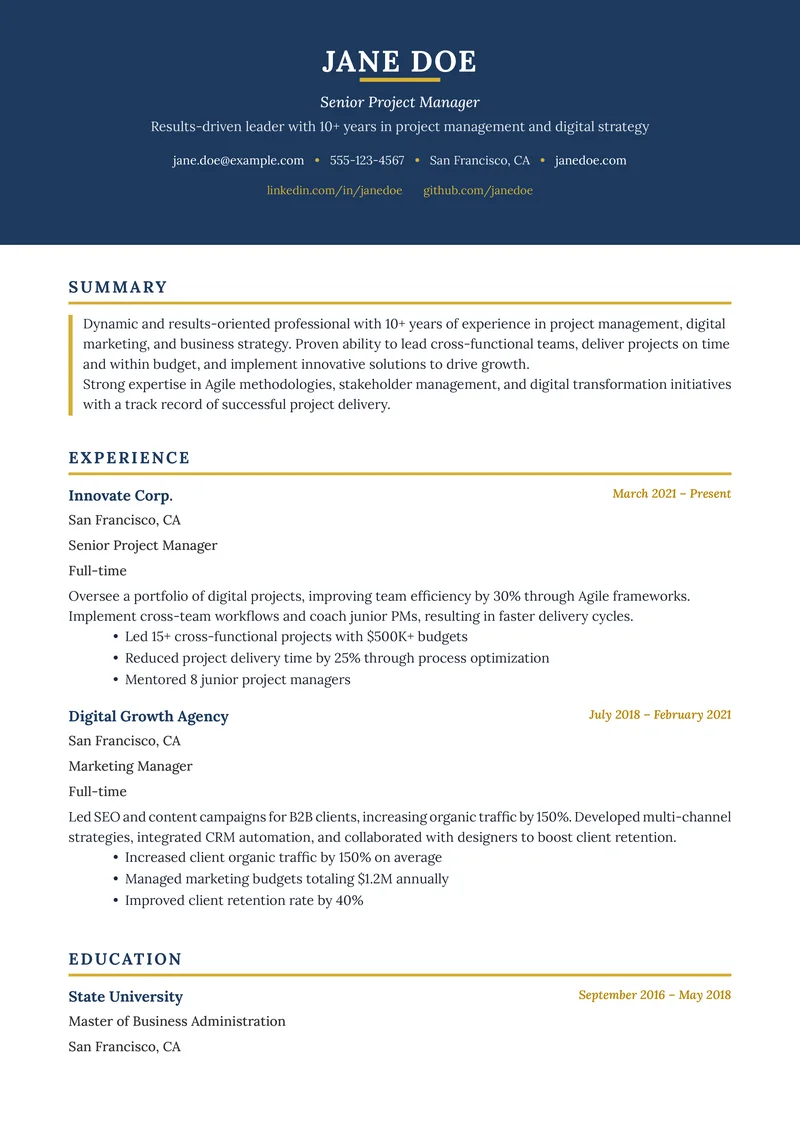
Build Your Perfect Resume
Create an ATS-optimized resume with our AI-powered builder.
No signup required.Start Building FreeExplore Resources
Enjoyed this article?
Share it with your network